Darkroom - Analog Photo Toolkit

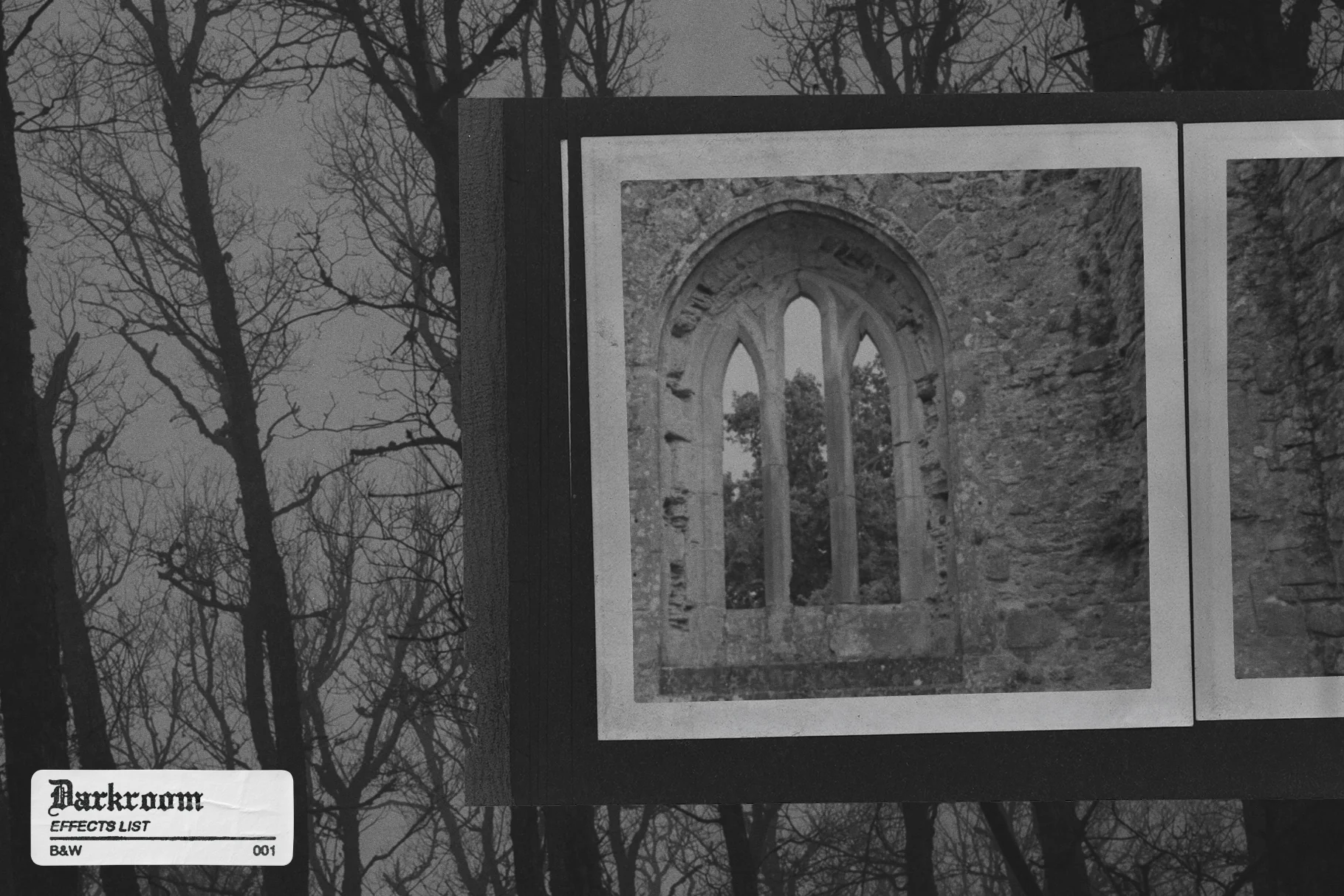
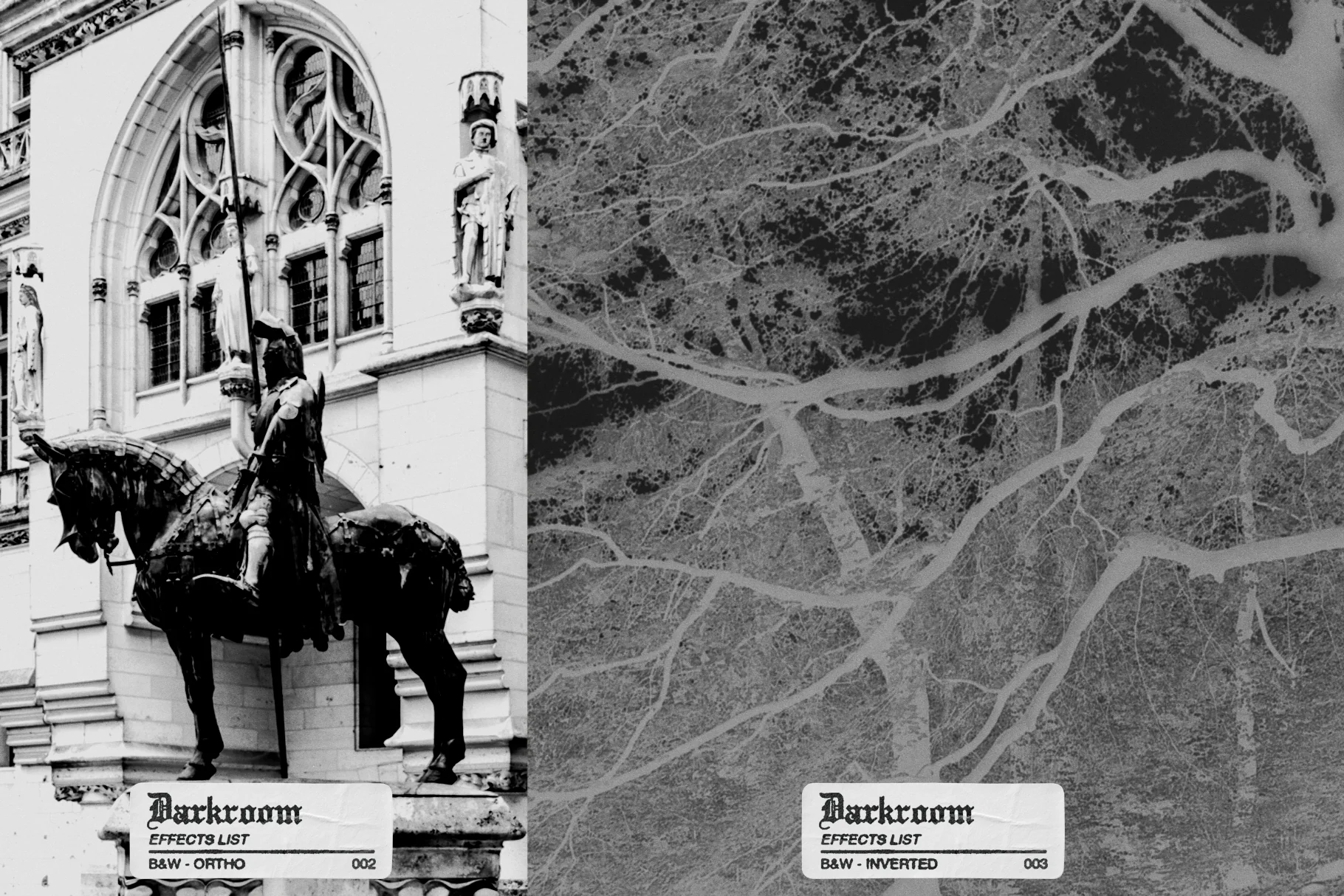
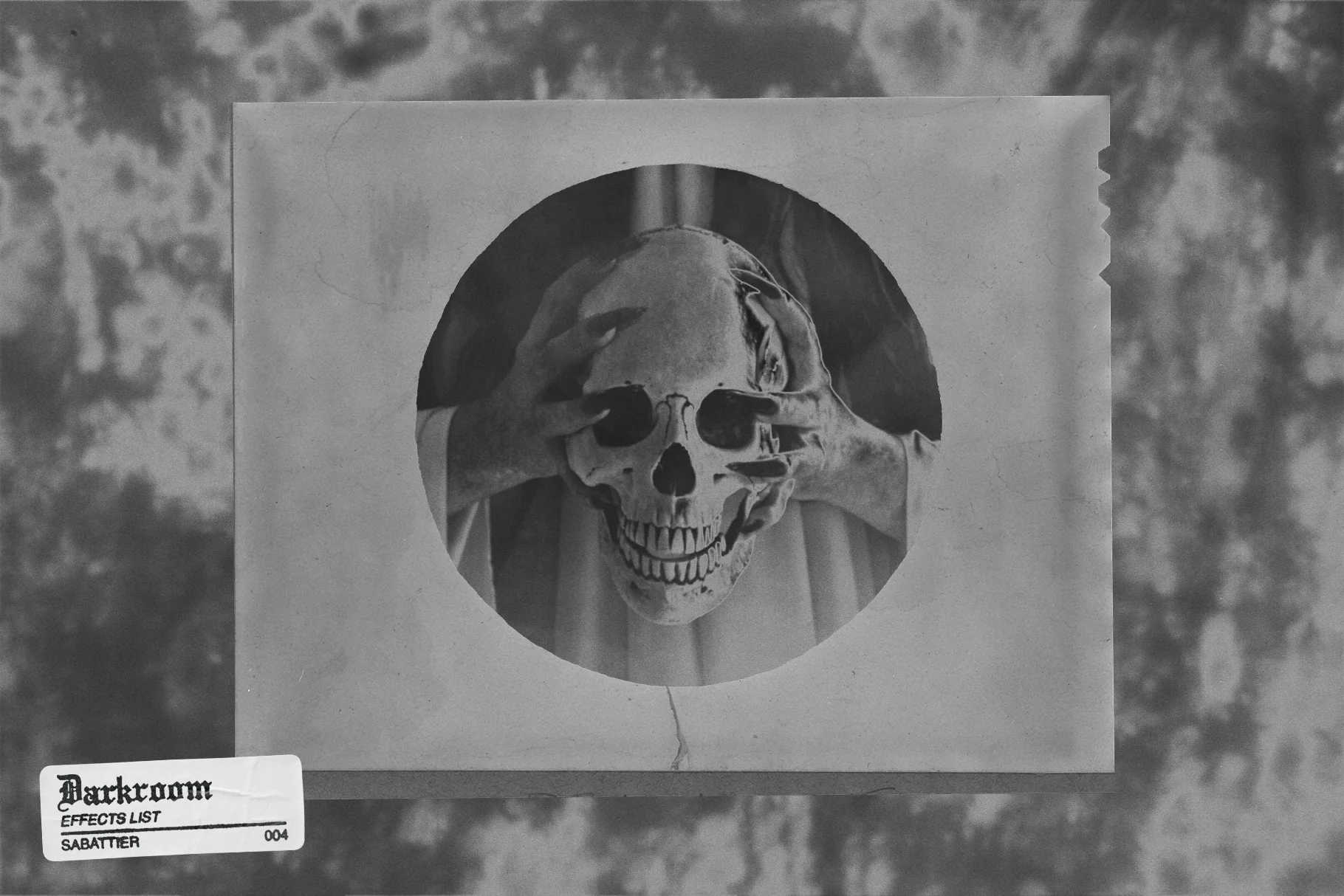
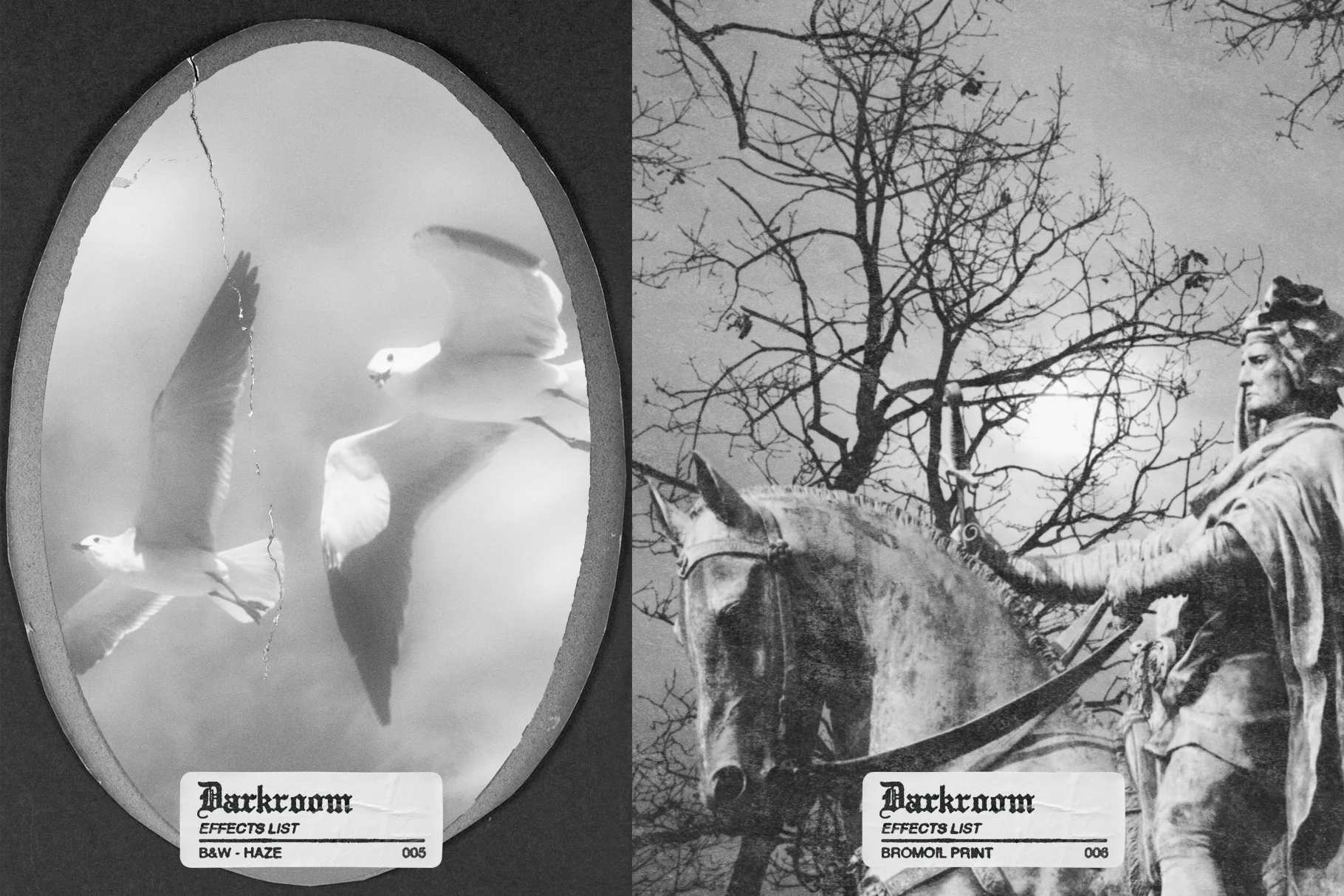
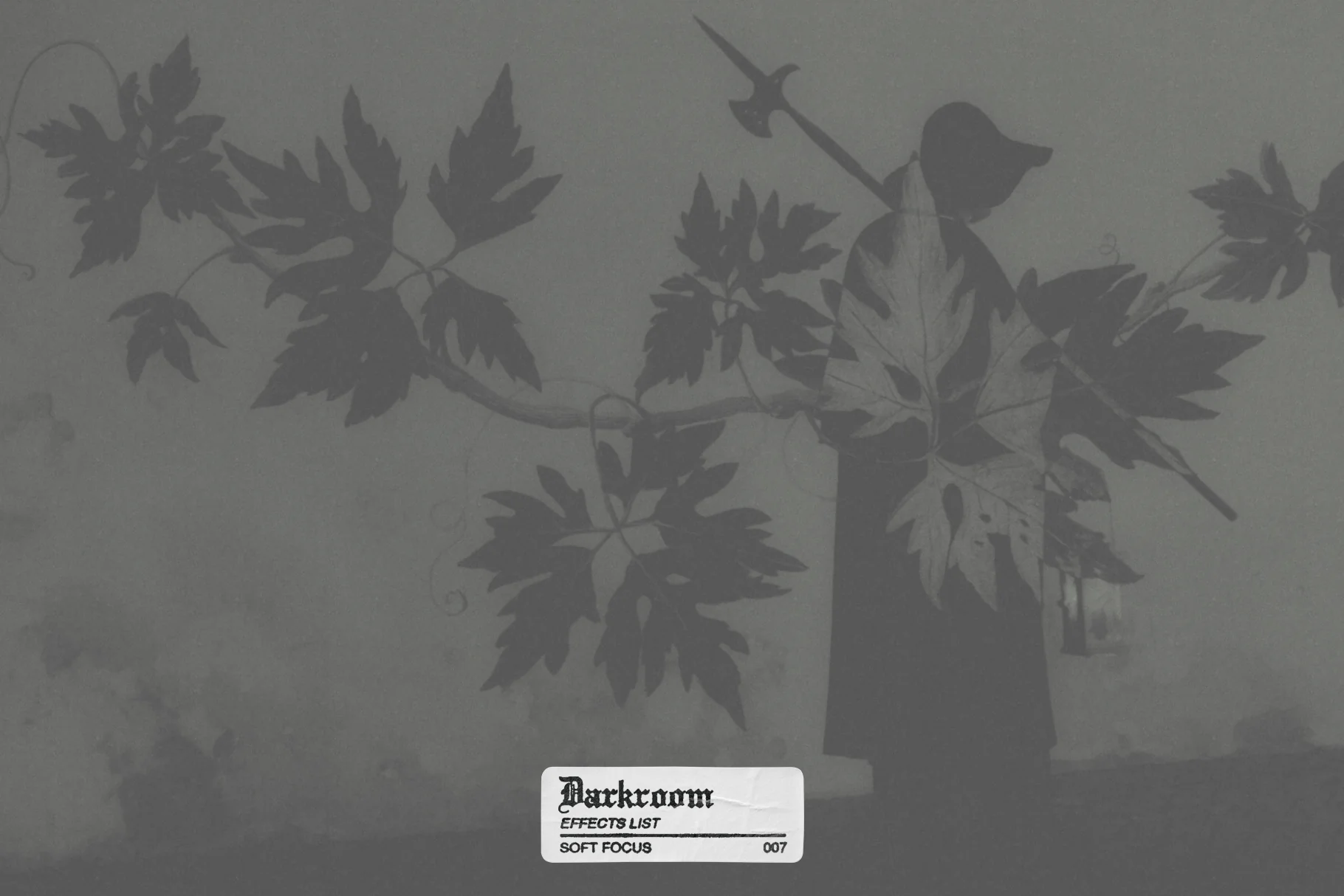
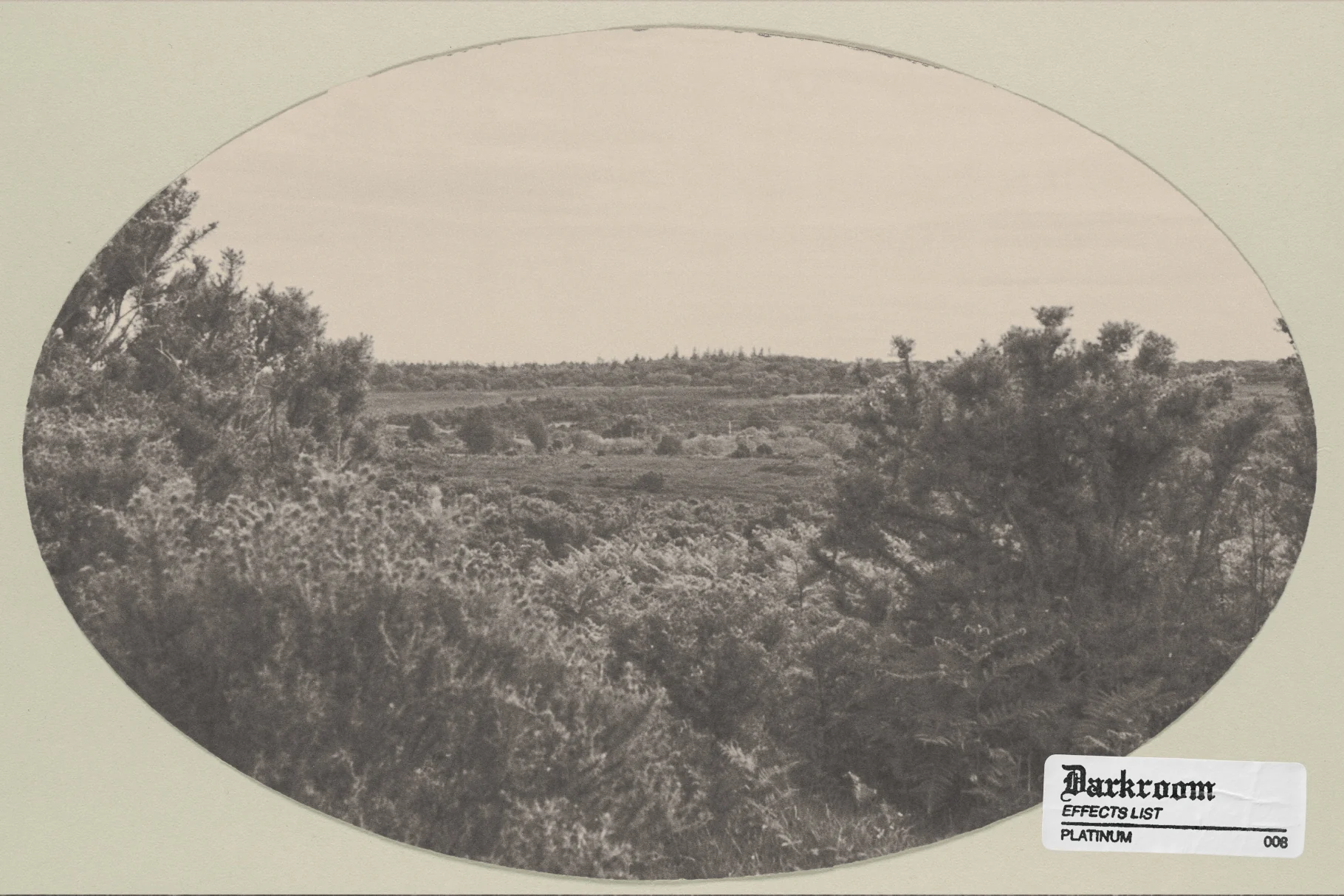
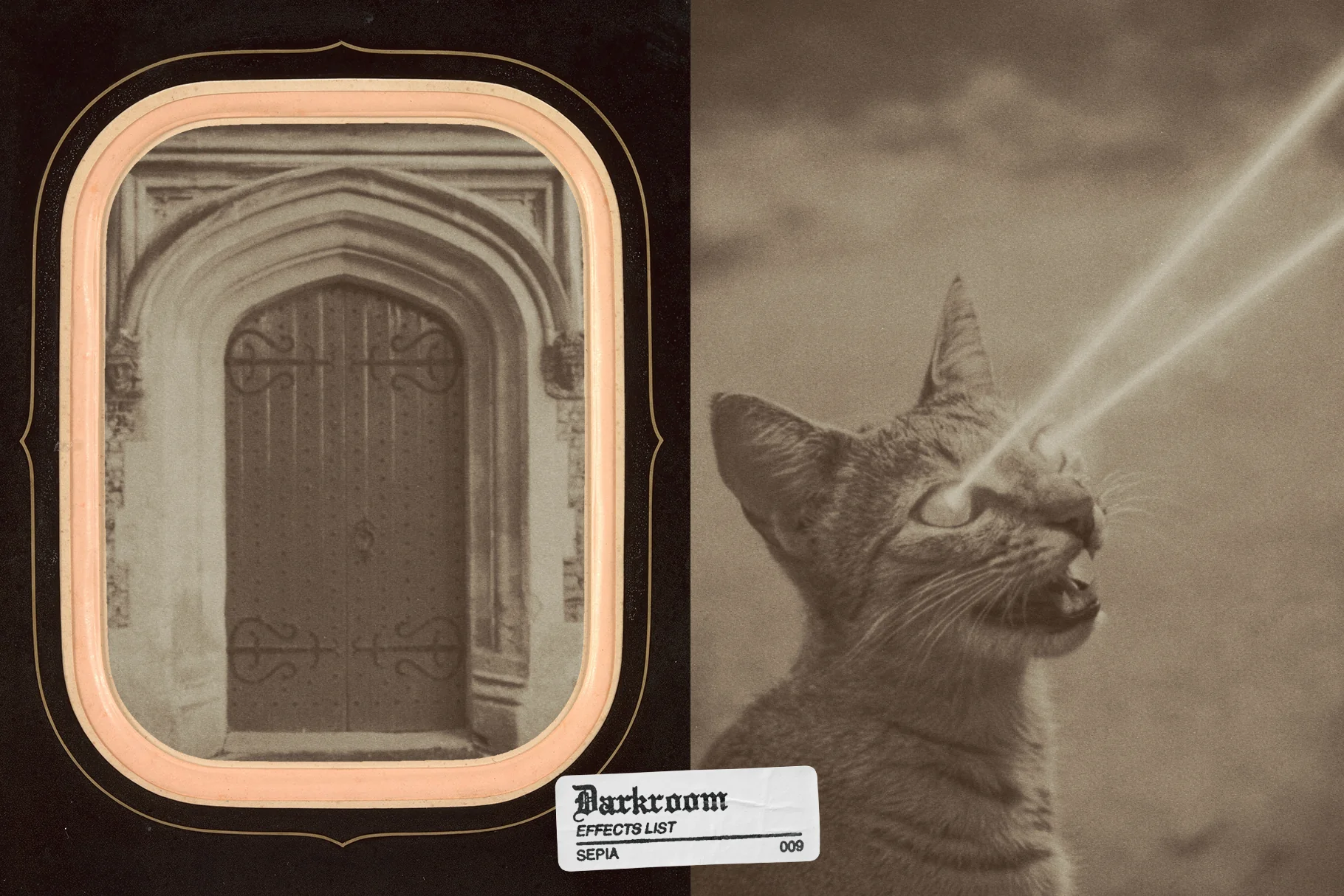
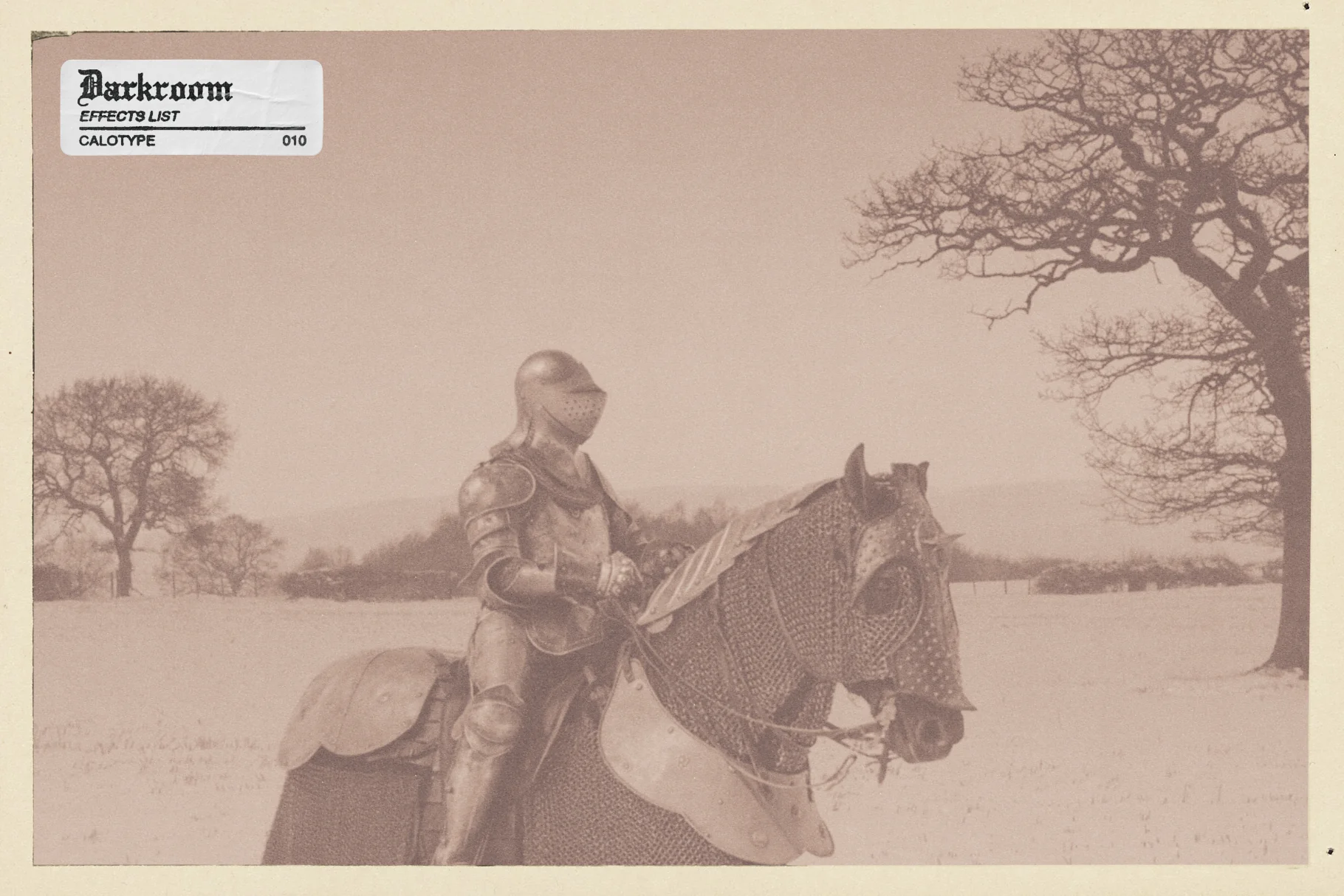
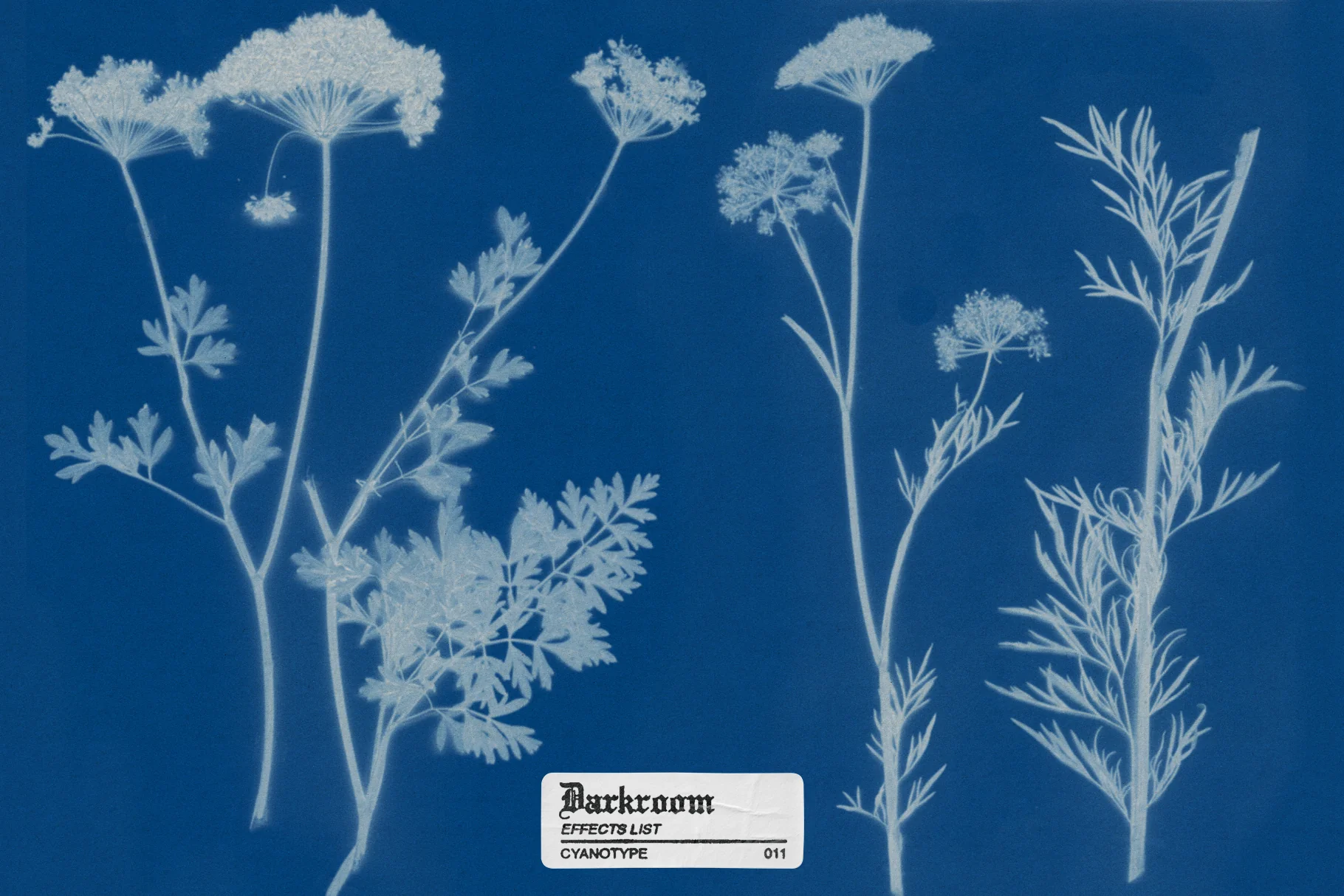
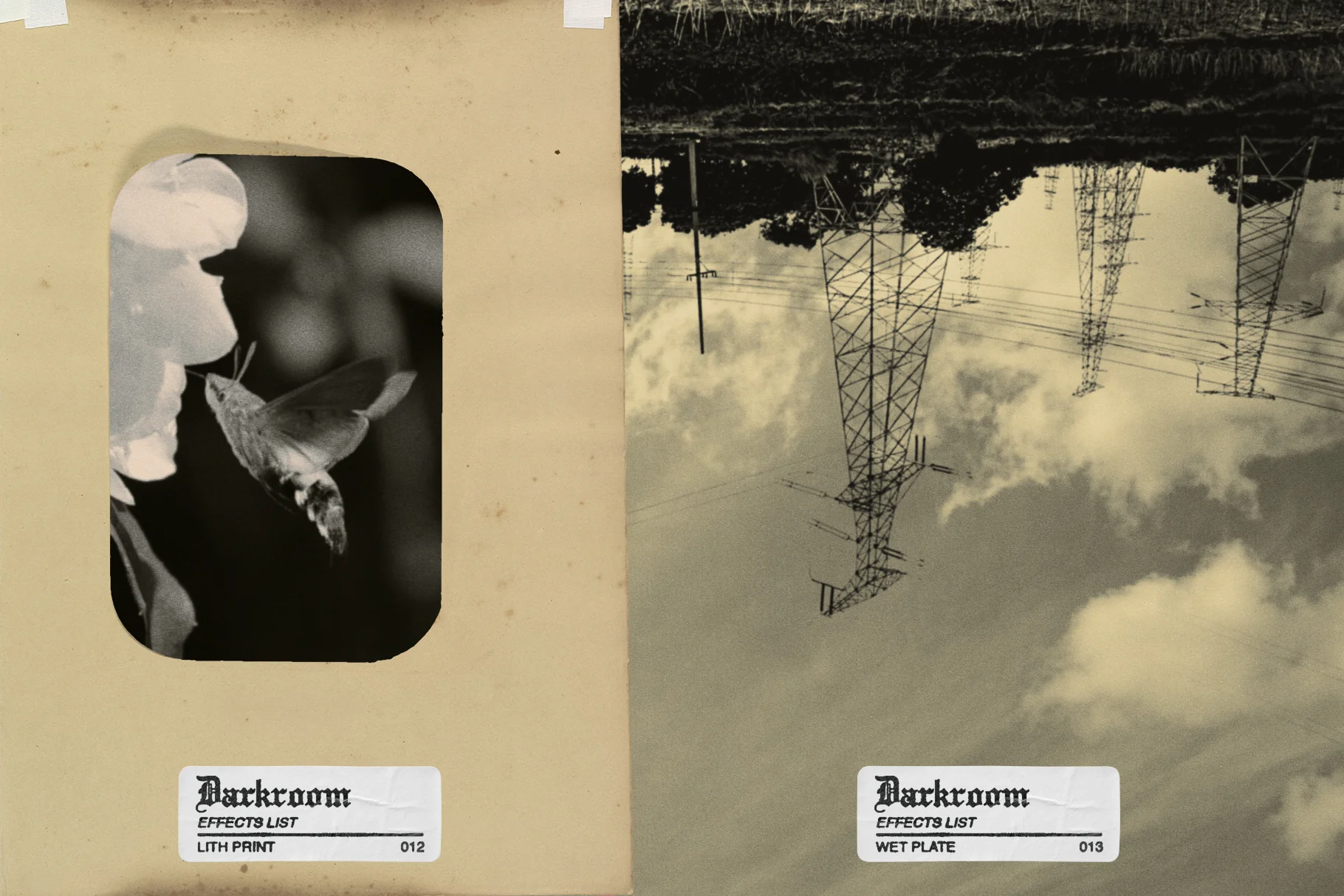
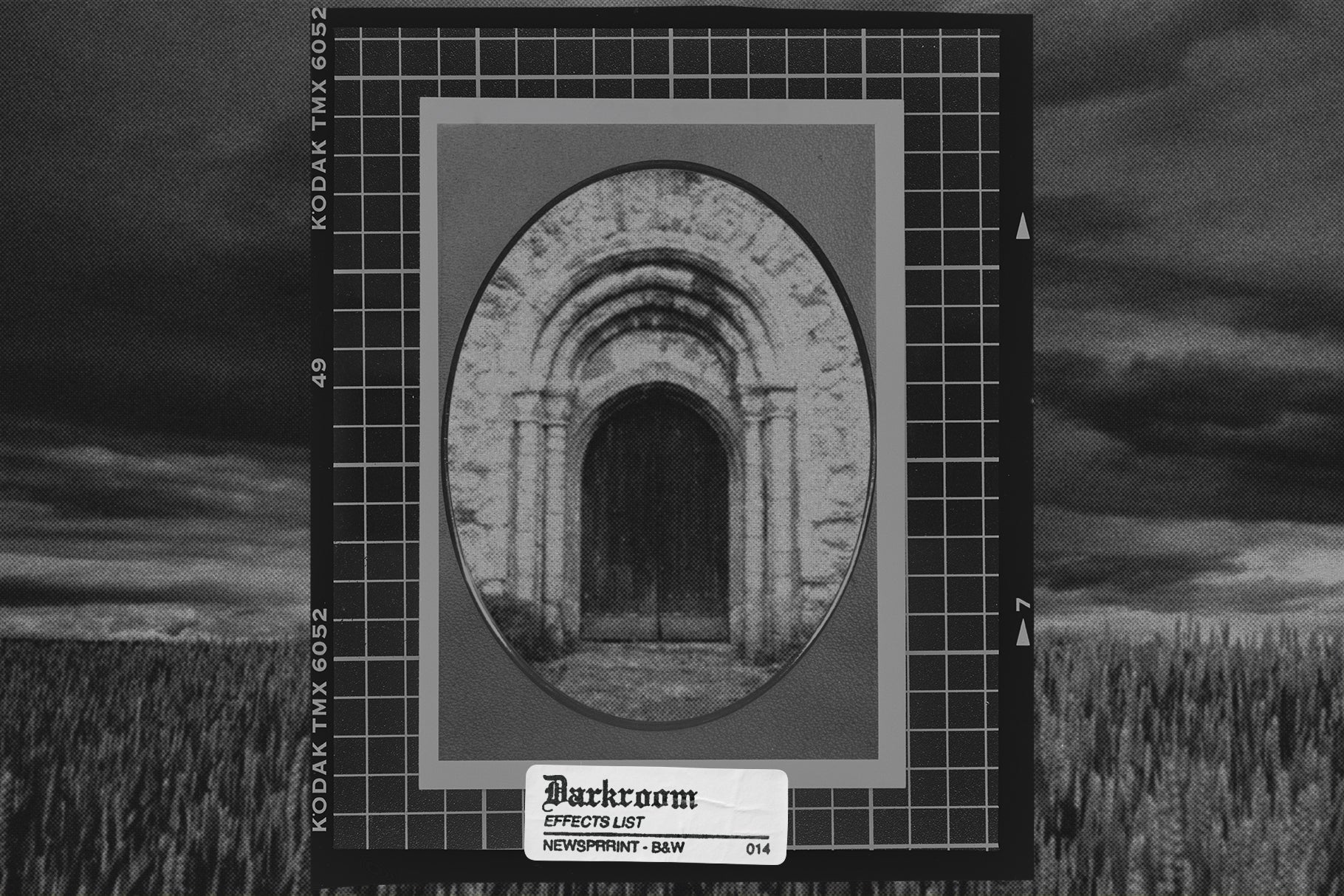
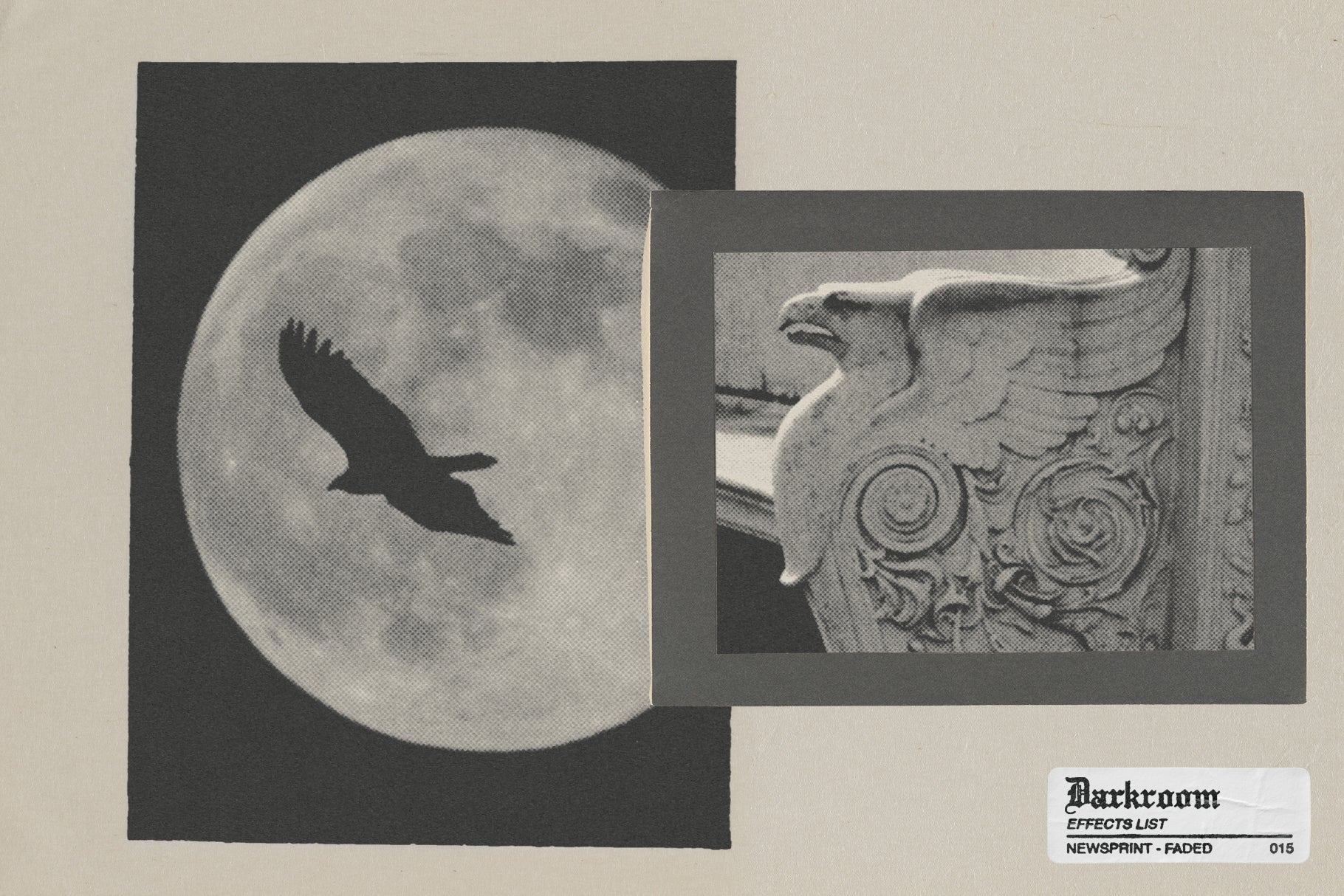
DARKROOM - Analog Photo Toolkit is a collection of Photoshop assets designed to emulate the aesthetic of early 20th century photography. Built using textures and elements from historical archives, the toolkit provides a non destructive workflow to recreate vintage print and film styles digitally.
The script
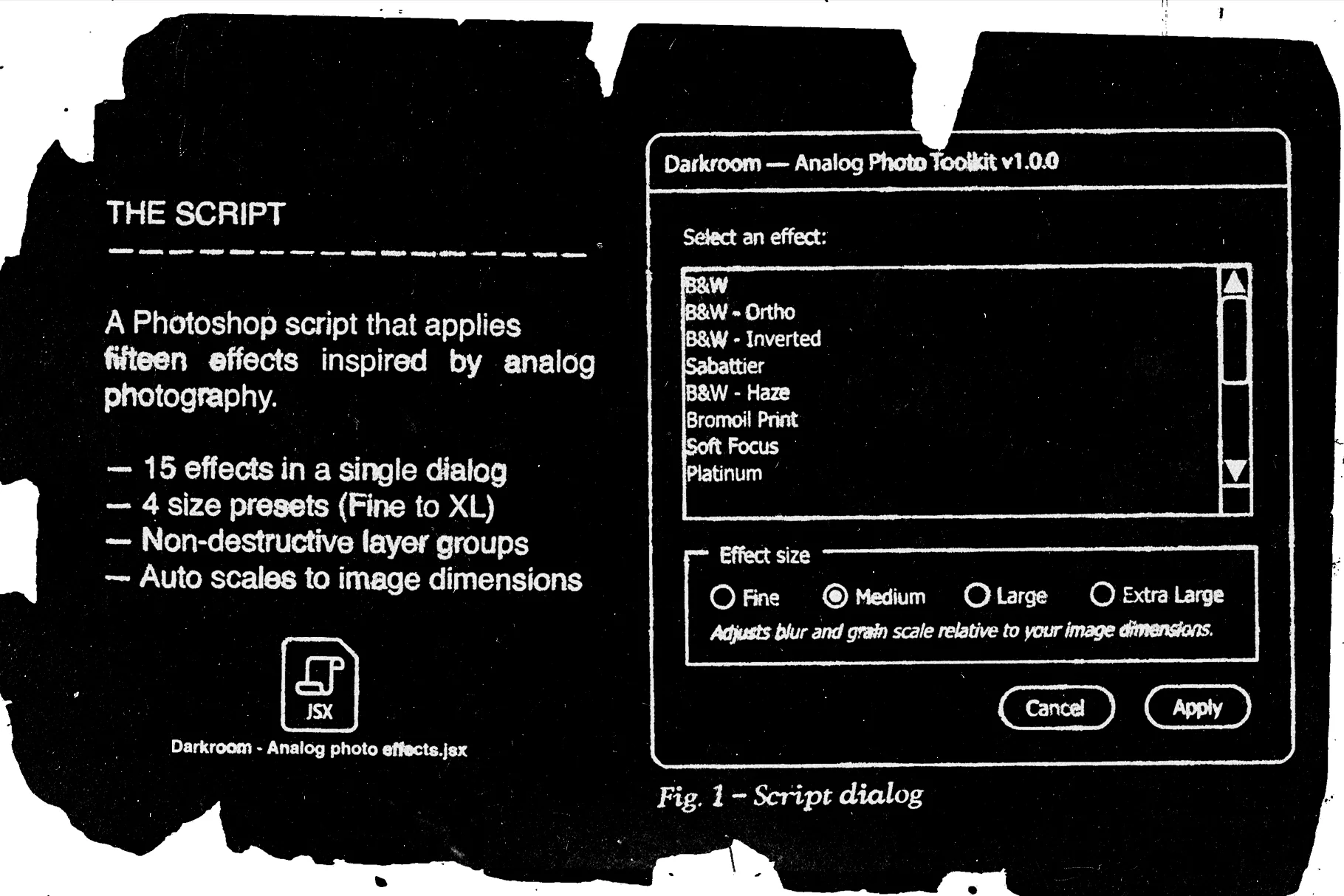
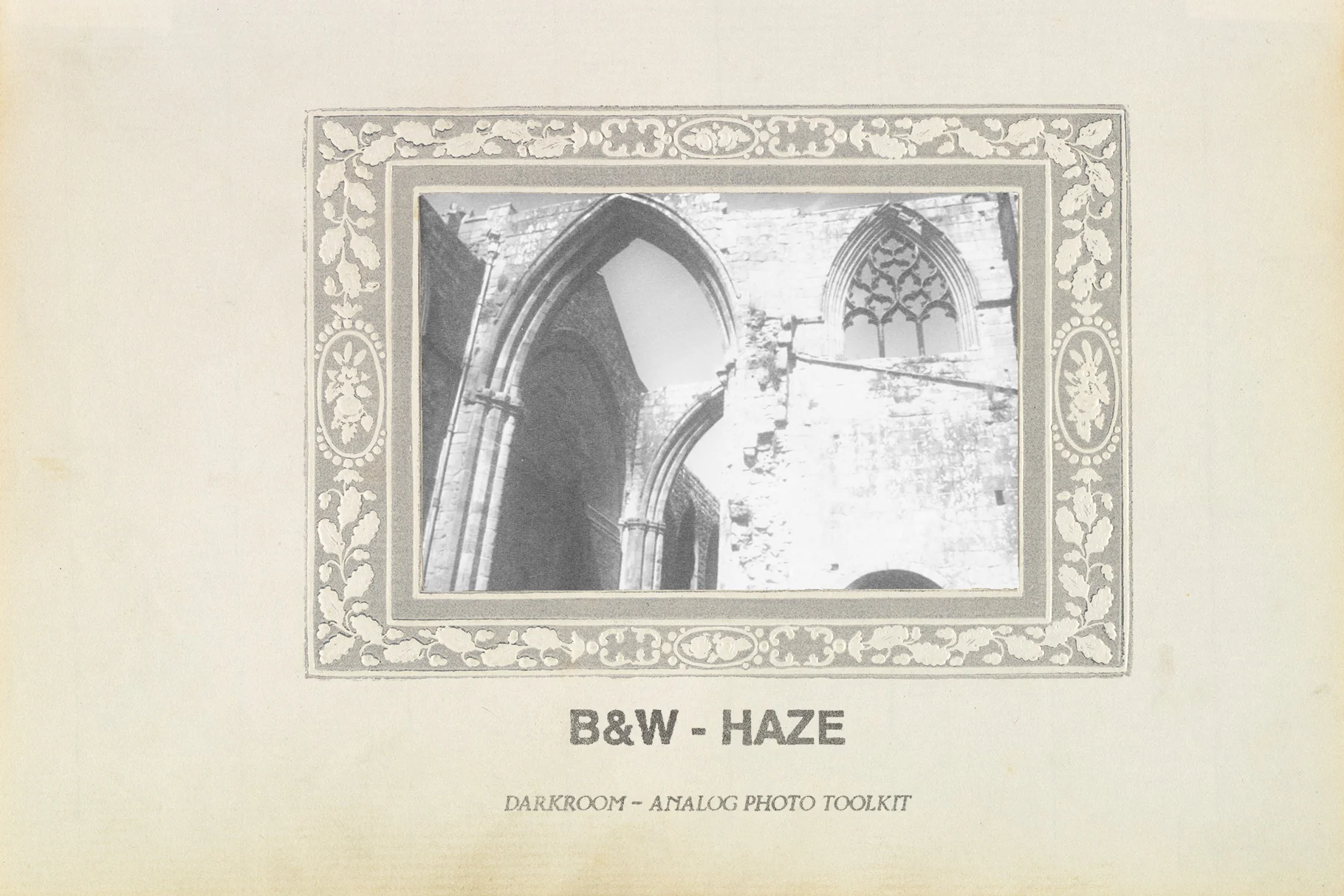
✸ One click Photoshop script: Choose from 15 photo effects through a Photoshop script that automates the process of applying each effect to your image.
✸ Auto scaling: The script detects your image dimensions and scales the effects to match, ensuring consistent results across different image sizes. This is one of the main reasons why I decided to provide these effects as a script, rather than as actions (that stuff is not supported by actions).
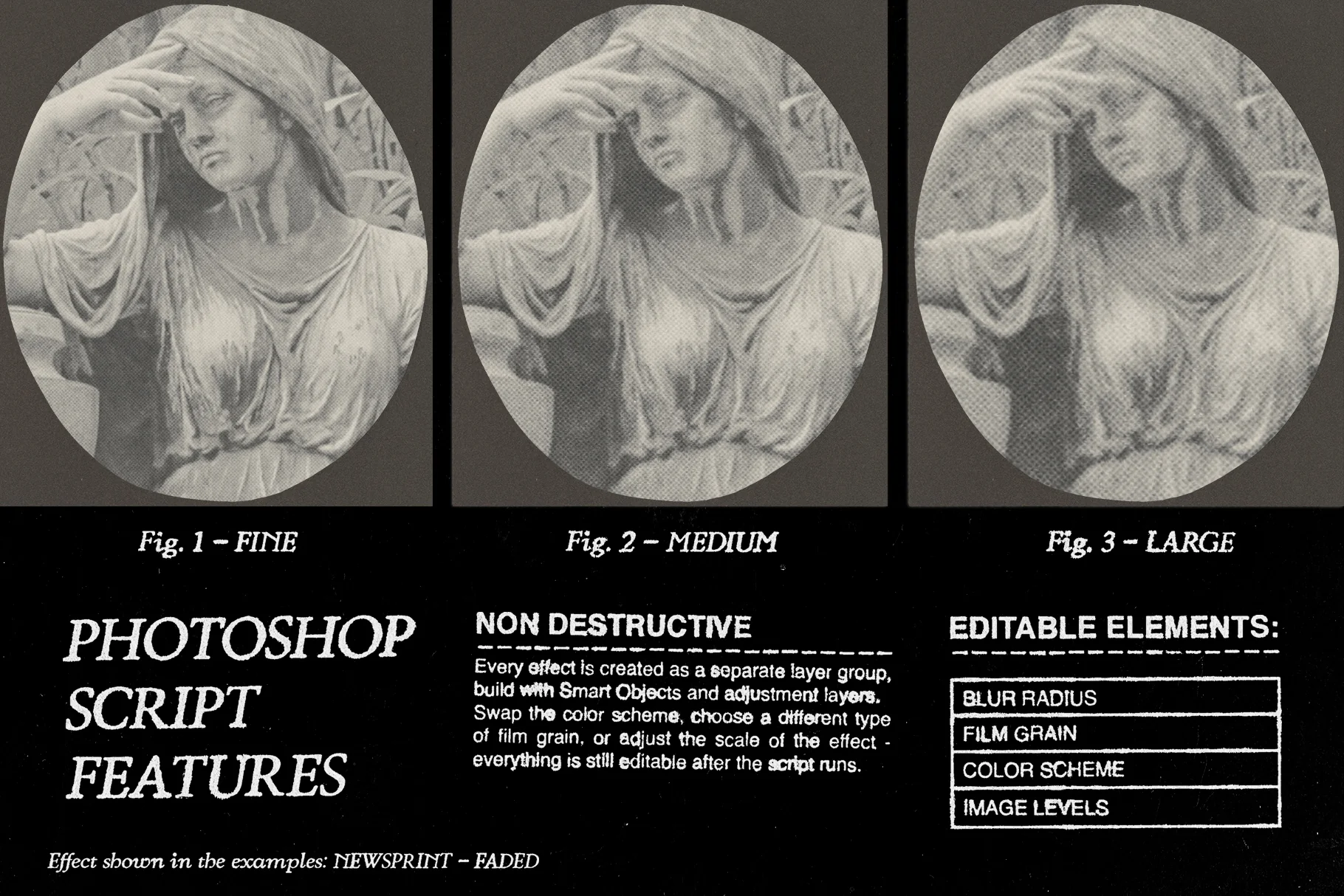
✸ 4 effect size presets: Includes Fine, Medium, Large, and Extra Large size presets (this scales the film grain and makes the image more or less crisp).
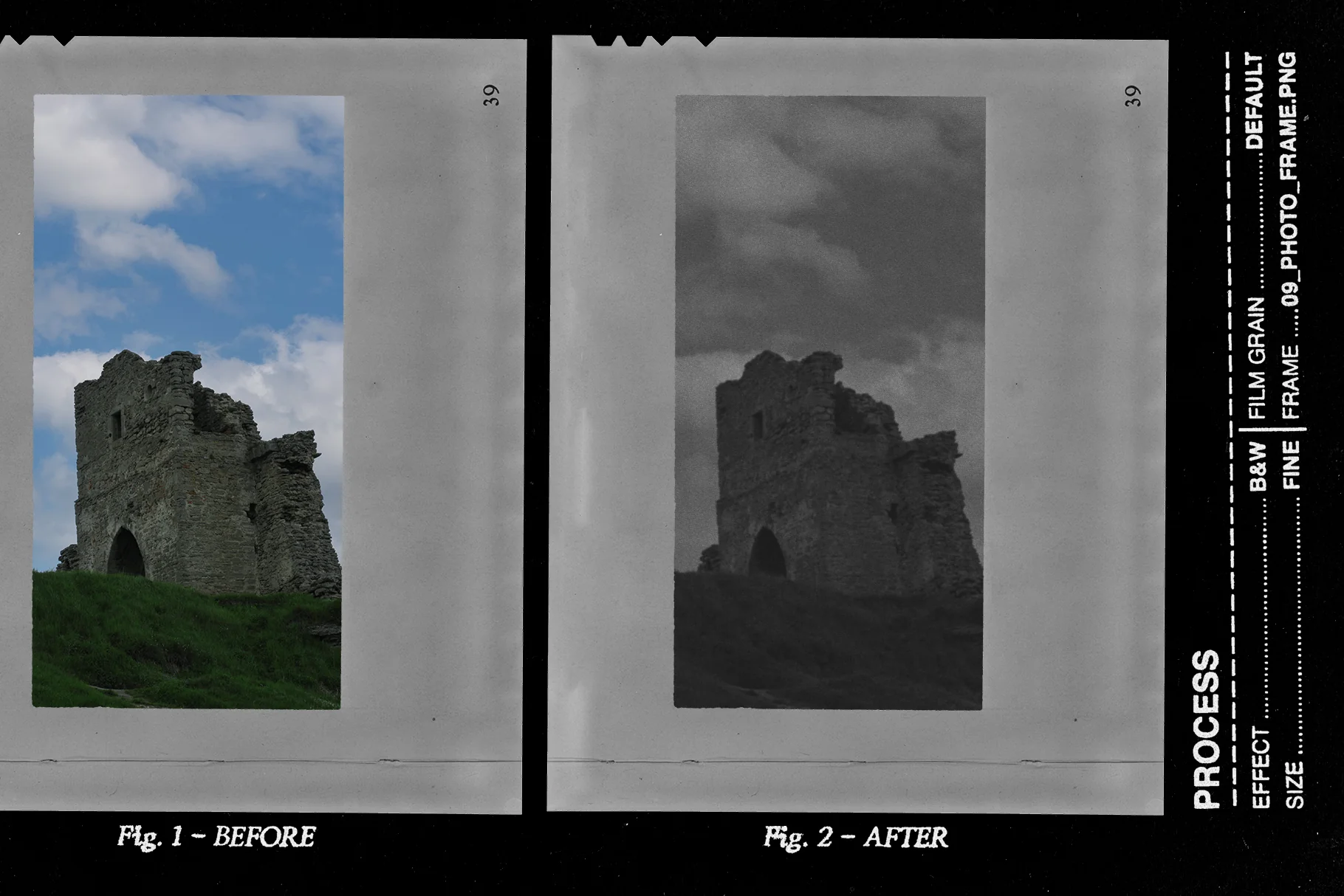
✸ Non destructive: The script generates fully editable adjustment layers and smart filters inside an isolated effect group, keeping your original image layer intact.
✸ Authentic grain: The effects use real film grain extracted from old photographs and turned into seamless patterns.
✸ Utility action: Includes a Photoshop Action (.atn) that opens the script dialog, so you don't need to repeatedly navigate to the Scripts menu every time you want to apply an effect.
Other things
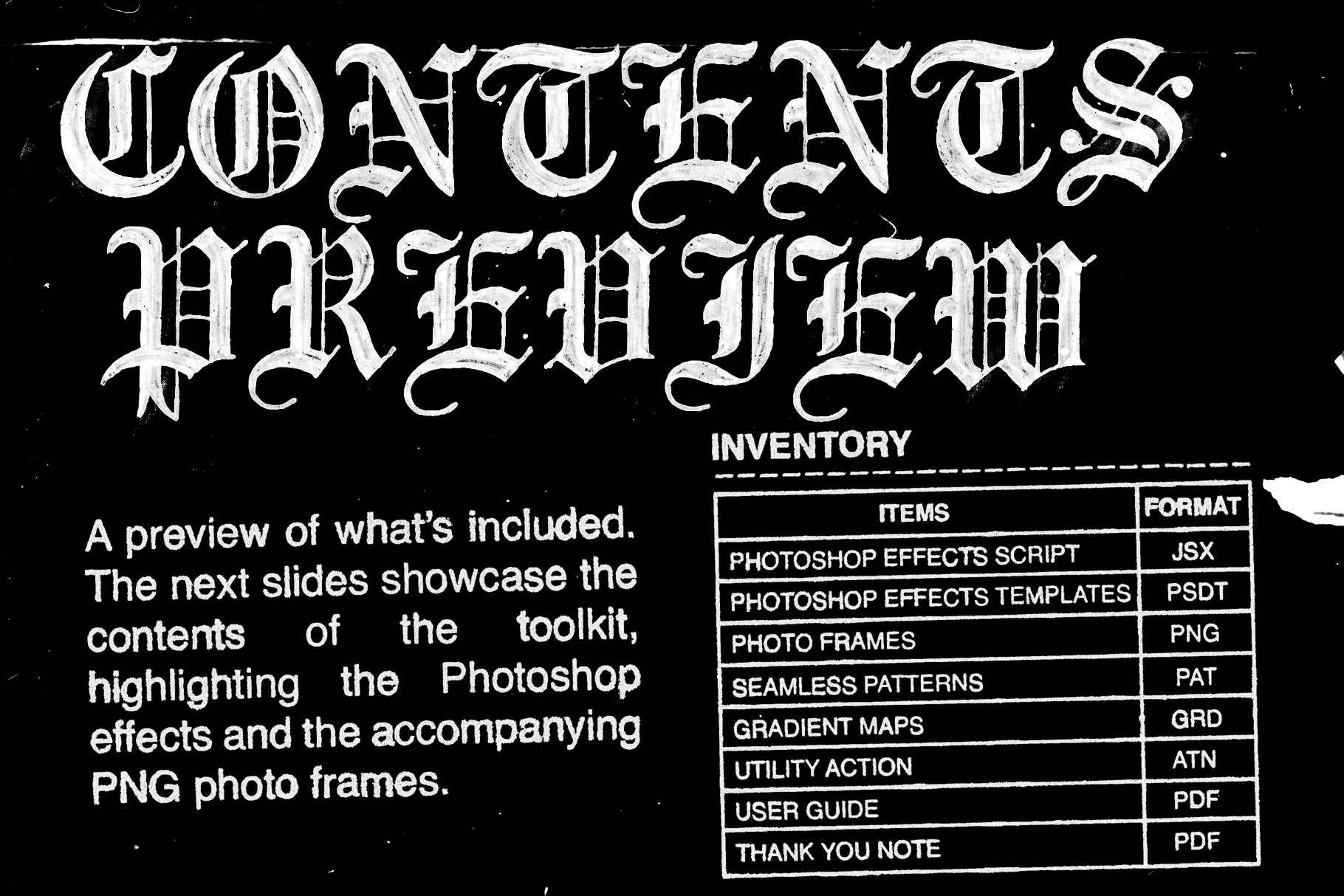
✸ PSDT templates: The same 15 effects are provided as Photoshop Template (.psdt) files. This offers a more manual workflow alternative and provides a workaround for older PS versions. The particularity of .psdt files (as opposed to regular .psd files) is that a new copy gets created every time you open one of these files, which keeps the original intact. (3000x3000px, 300ppi).
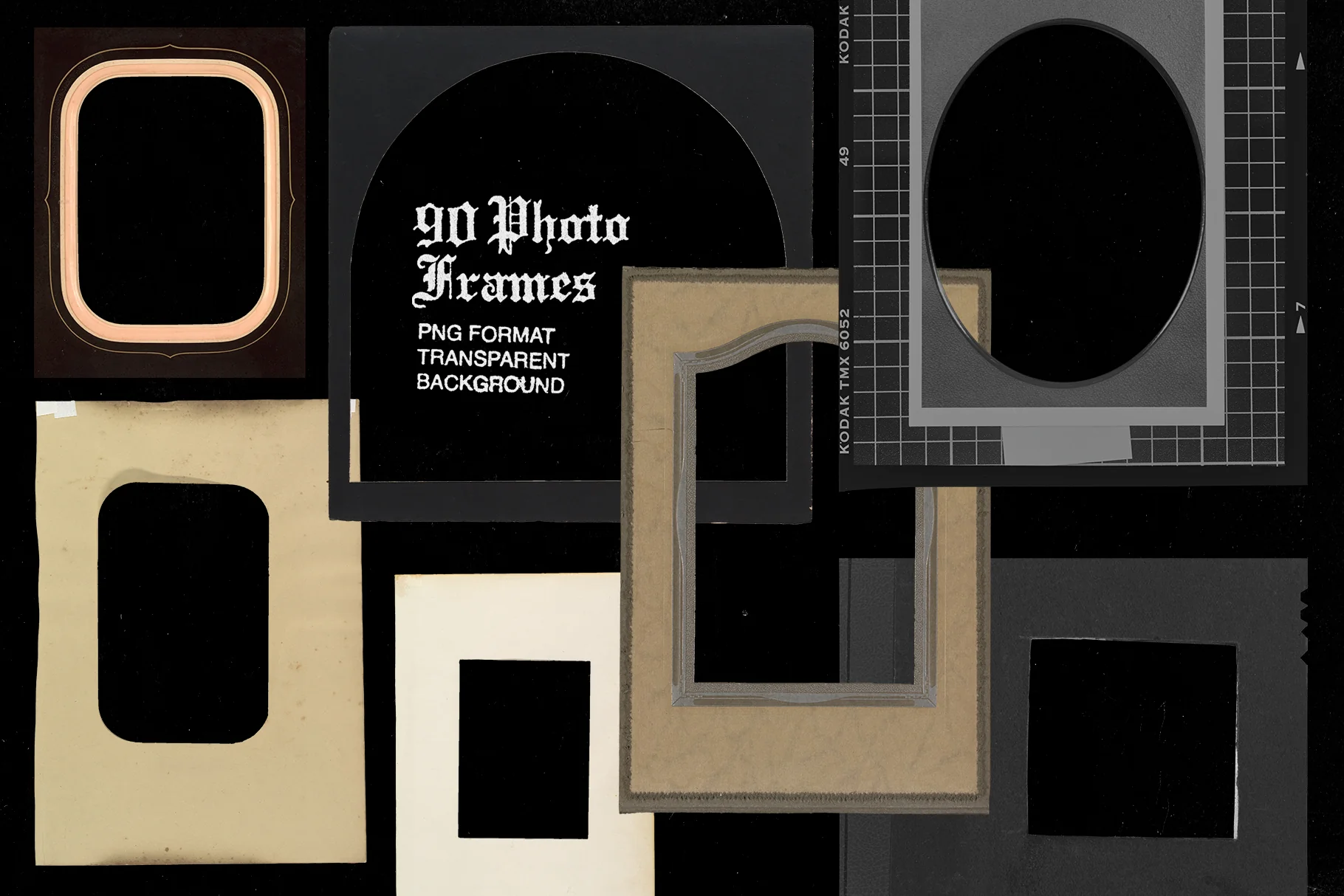
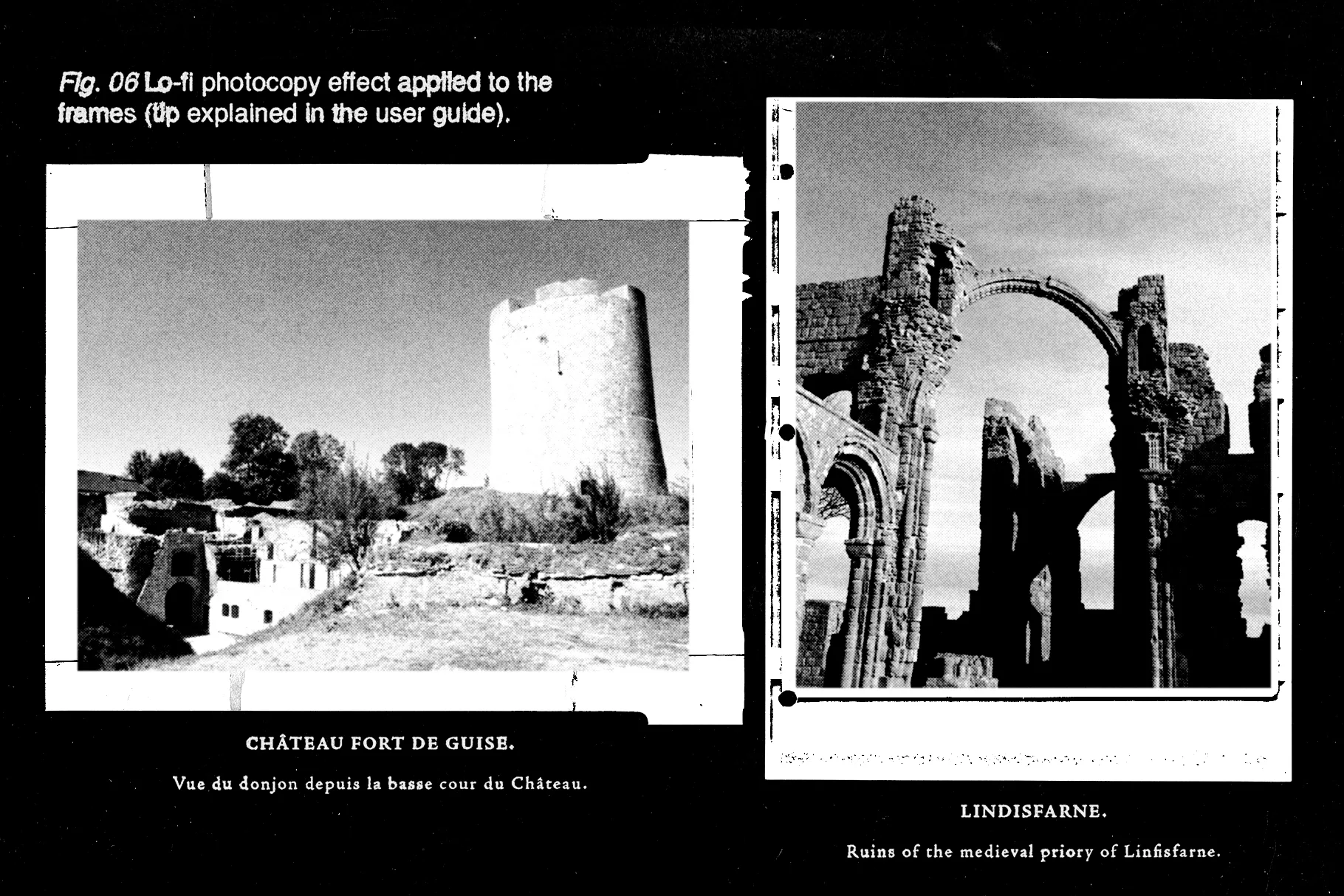
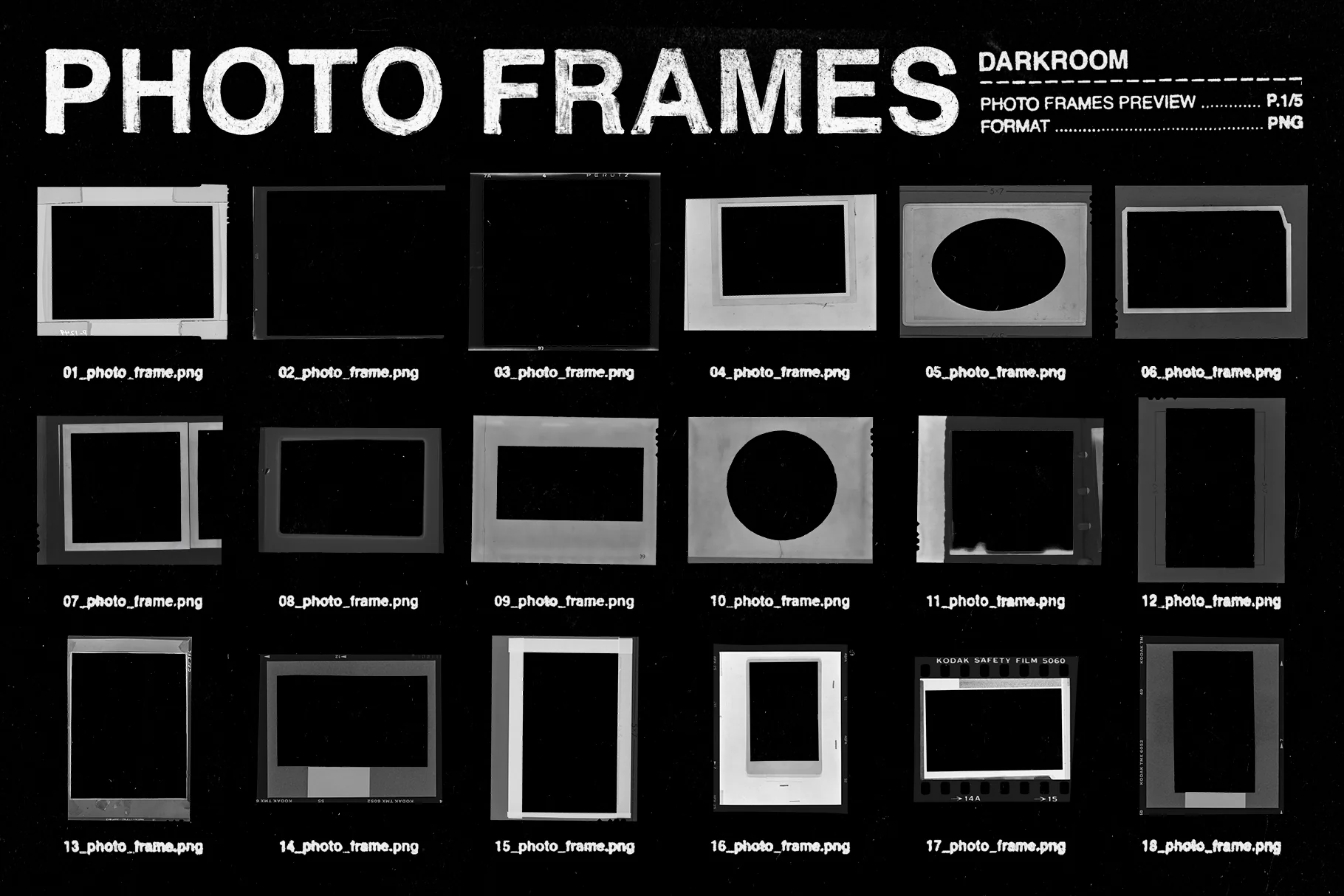
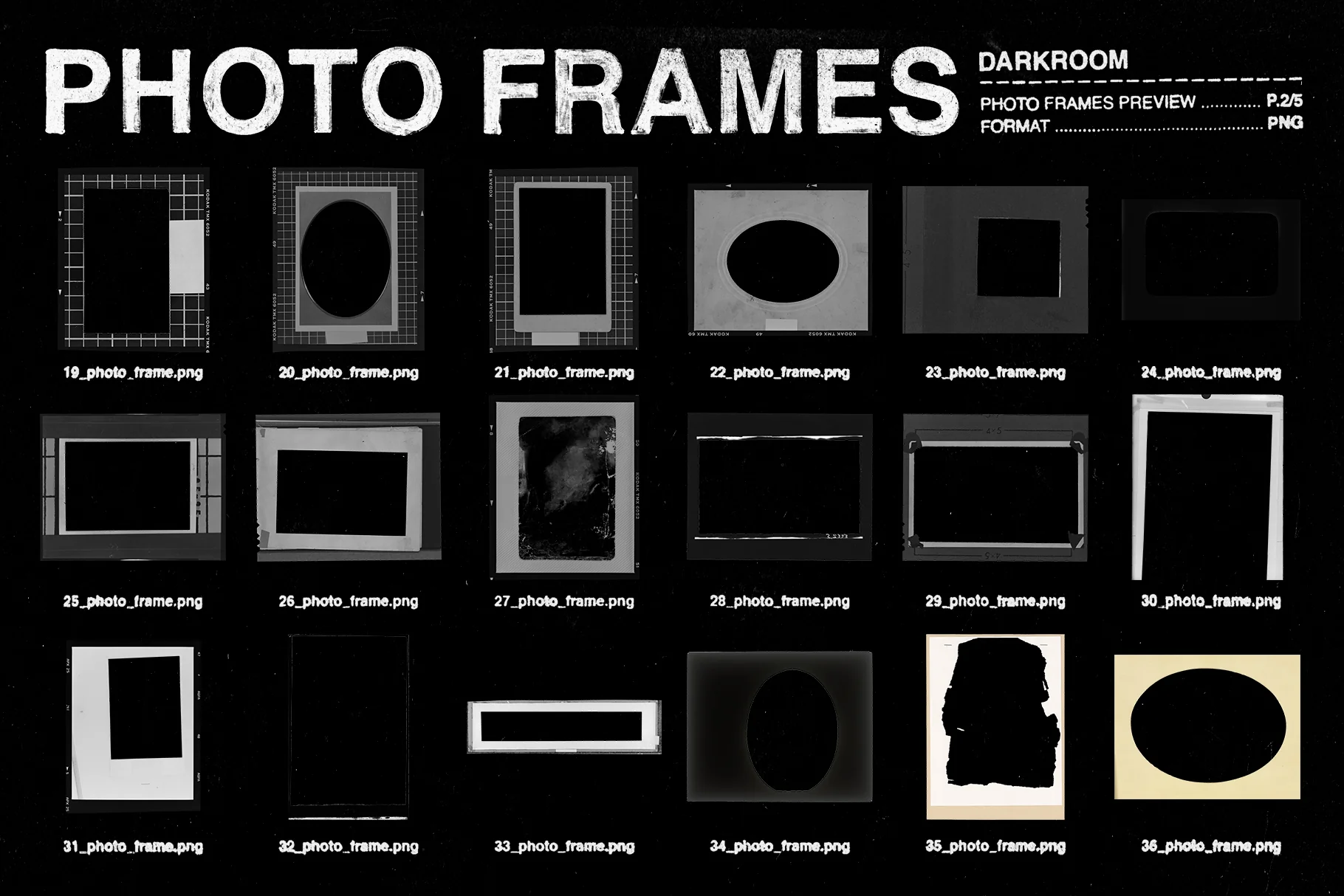
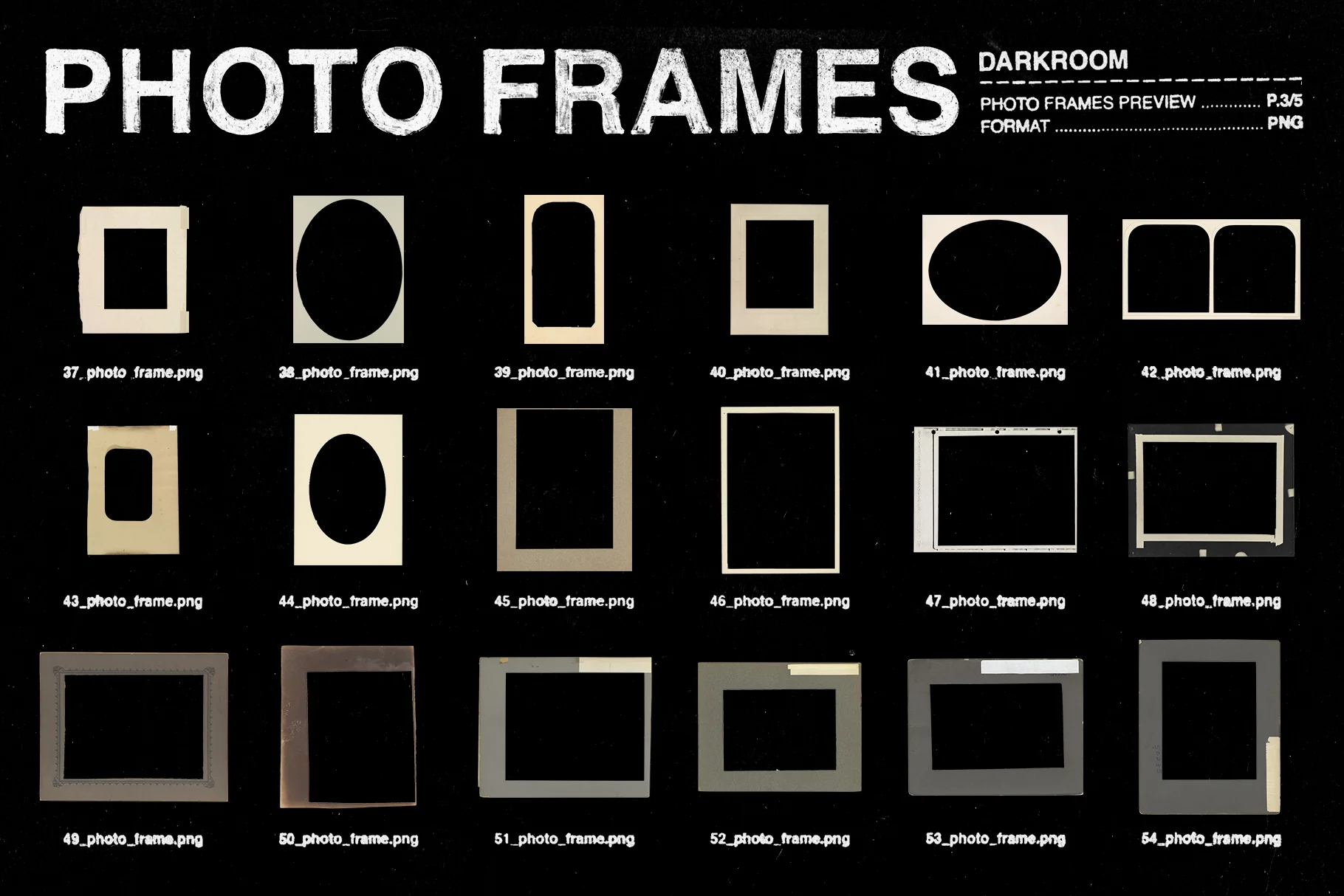
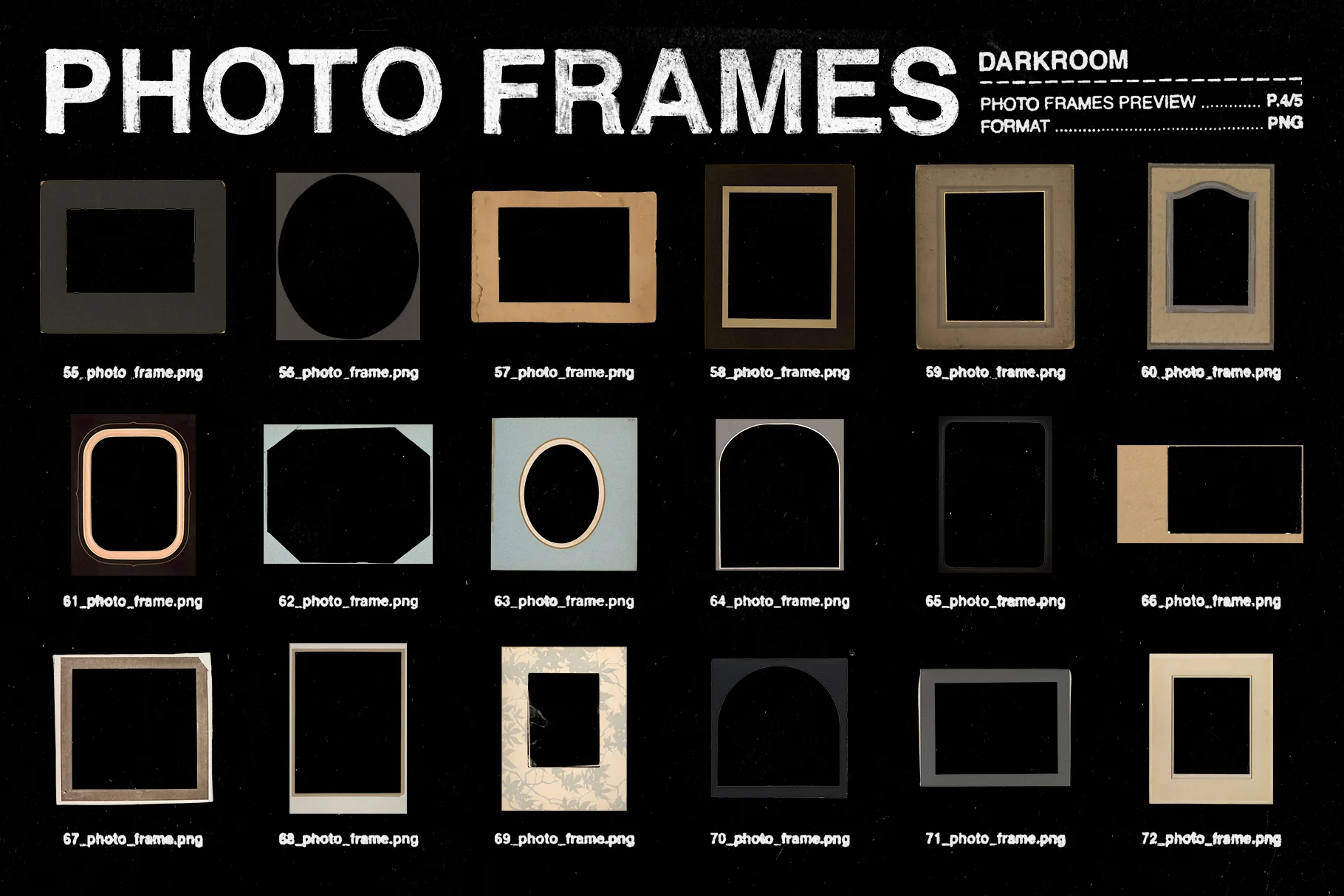
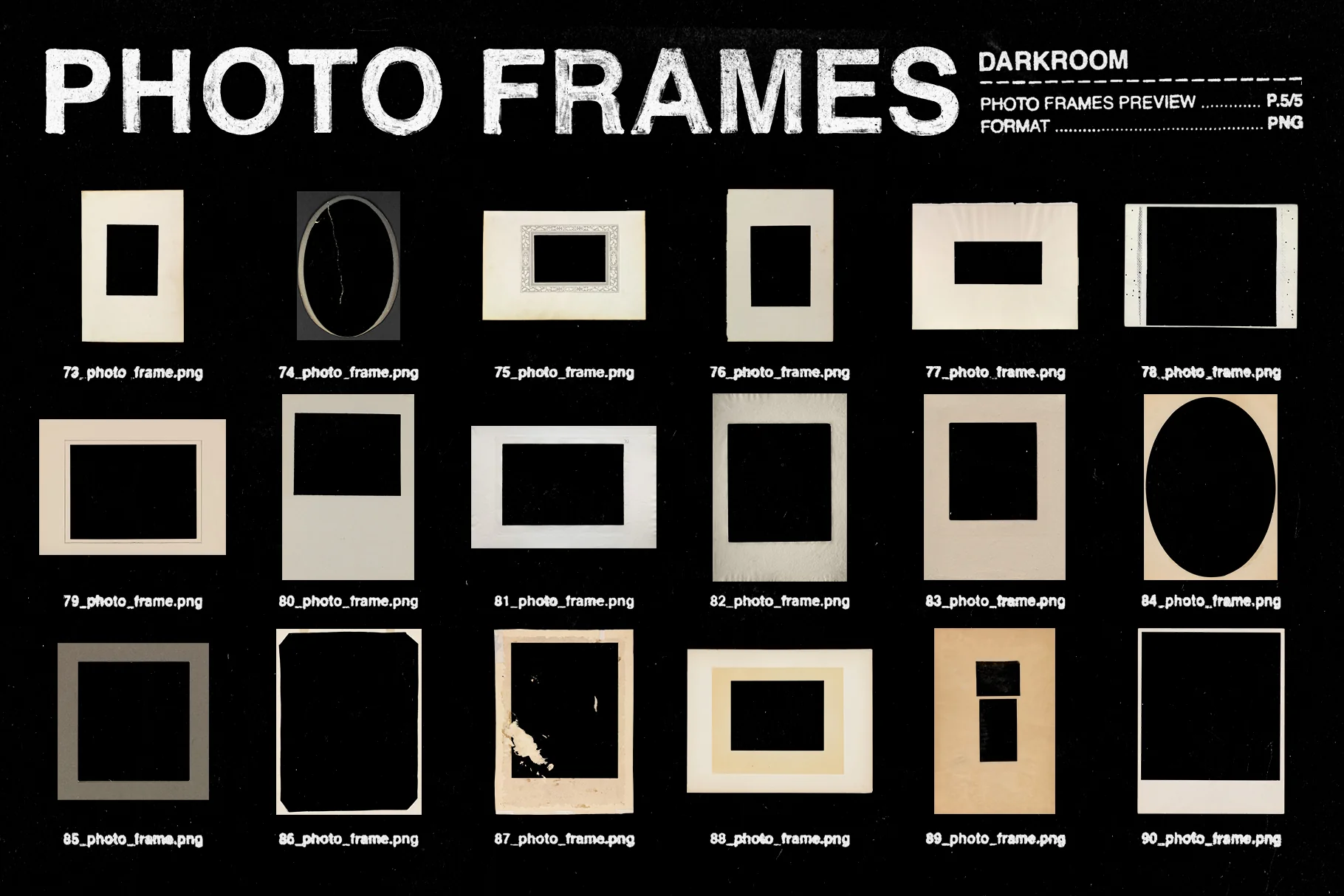
✸ Photo frames PNGs: A large selection of 90 frames sourced from historical archives. The collection includes a diverse mix of paper photo frames and film negative strips/housings. All of them are isolated on transparent background, making it easy to place around your images after applying an effect.
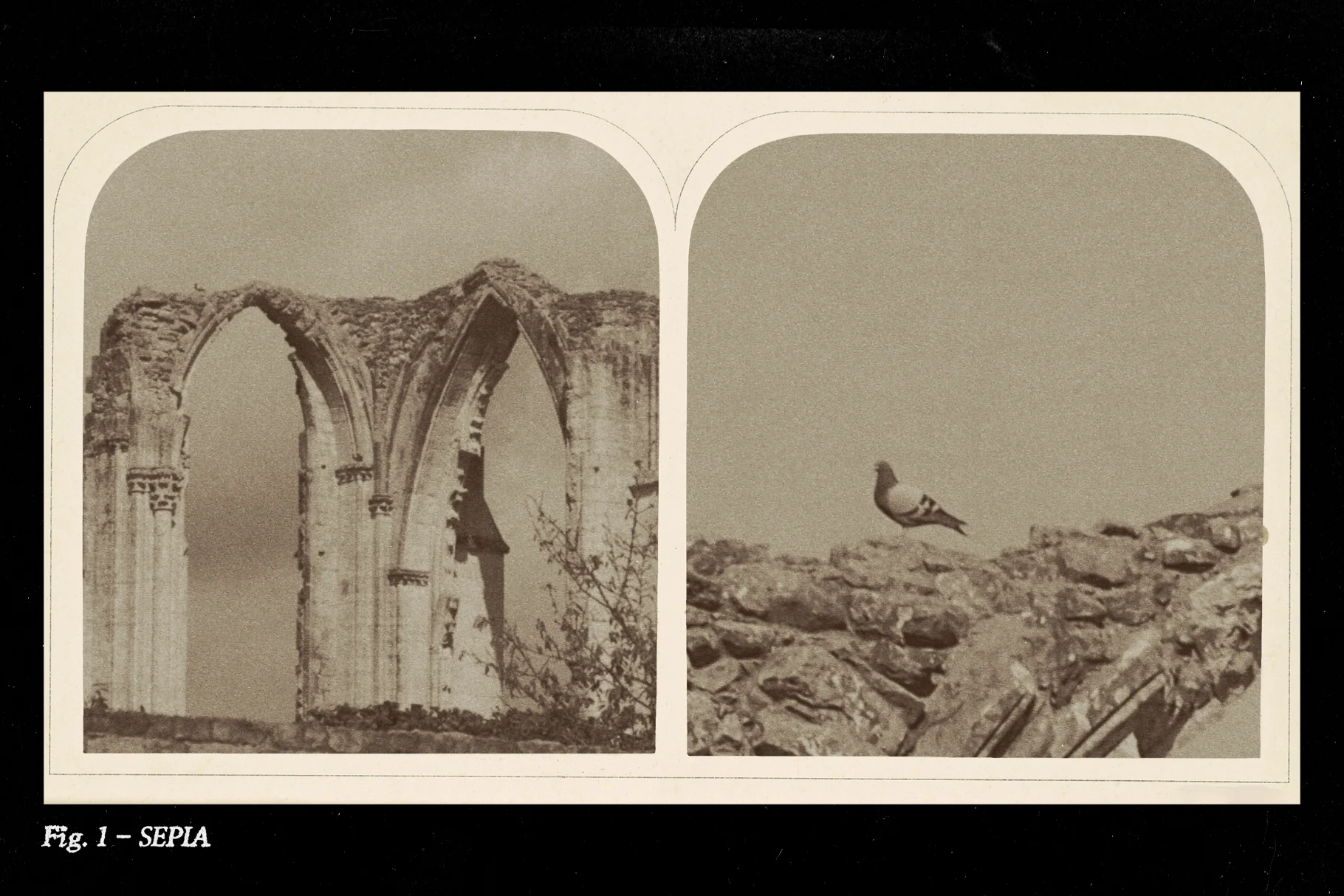
✸ Other add-ons: Also includes a few additional film grain patterns, paper overlays and gradient maps to customize the effects further.
Compatibility
✸ Photoshop script: Requires Adobe Photoshop CC 2020 or newer.
✸ PNG frames & overlays: Compatible with any software that supports transparent PNG files.
✸ PSDT templates: Compatible with modern Photoshop CC versions. Note: Older legacy versions of Photoshop may experience limited compatibility with the .psdt format.
⚠️ Note: Only the PNG frames are compatible with any design software - the script, templates, & add-ons in this toolkit require Adobe Photoshop CC, which is why Photoshop is required to make full use of the toolkit.
⚠️ Note 2: None of the example photos & images shown in the previews are included - these are for presentation purposes only.
Original: $20.00
-65%$20.00
$7.00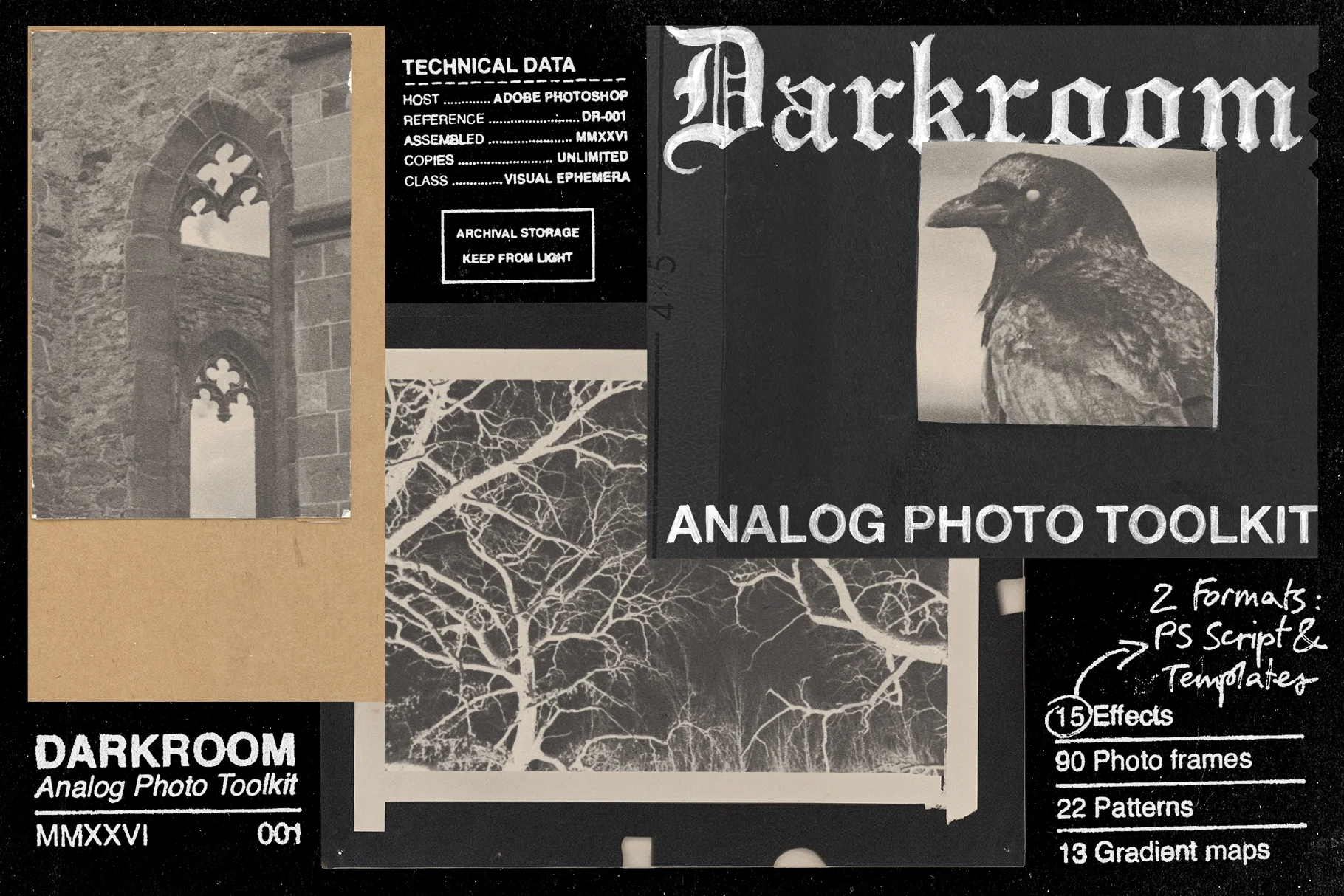
Description
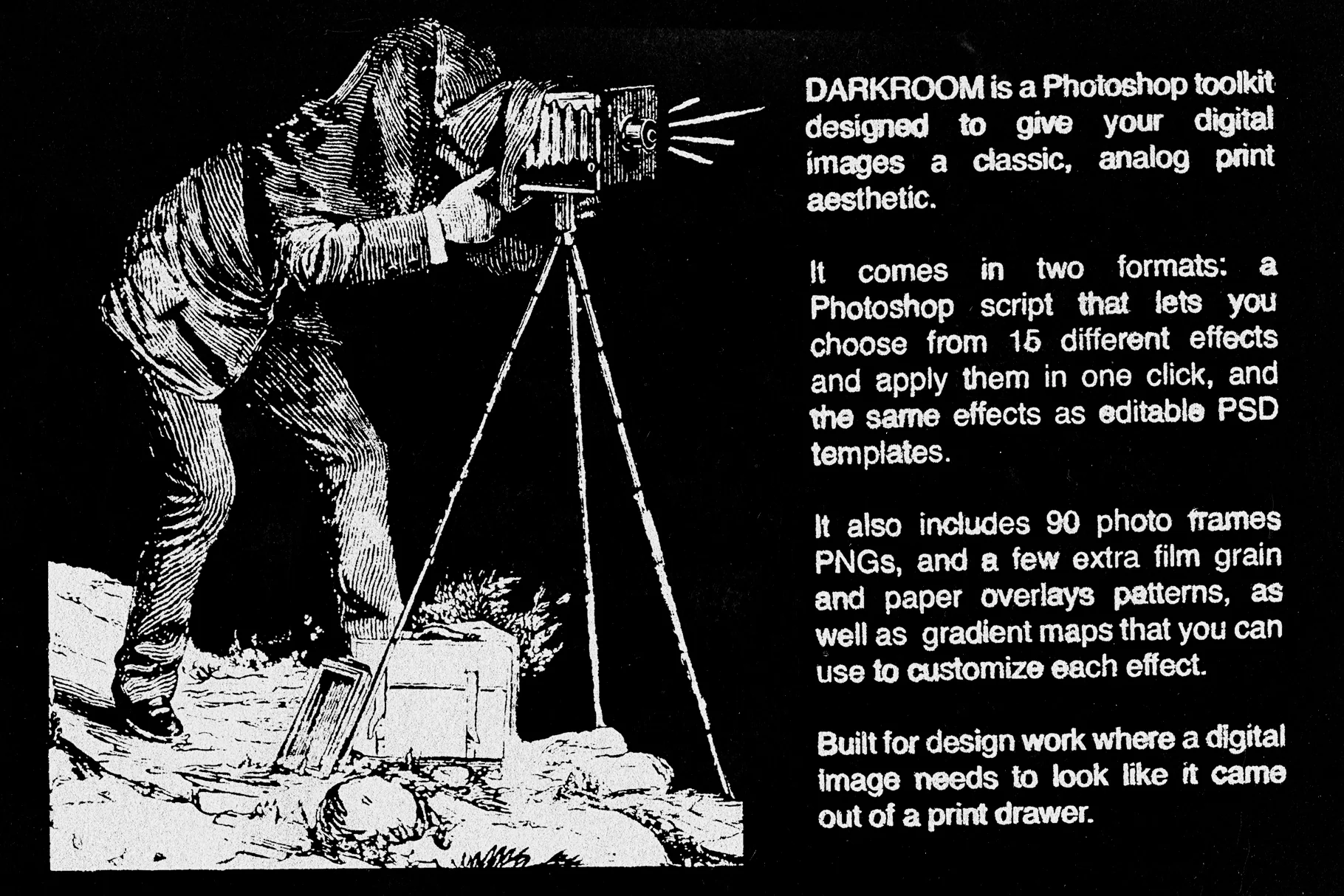
DARKROOM - Analog Photo Toolkit is a collection of Photoshop assets designed to emulate the aesthetic of early 20th century photography. Built using textures and elements from historical archives, the toolkit provides a non destructive workflow to recreate vintage print and film styles digitally.
The script
✸ One click Photoshop script: Choose from 15 photo effects through a Photoshop script that automates the process of applying each effect to your image.
✸ Auto scaling: The script detects your image dimensions and scales the effects to match, ensuring consistent results across different image sizes. This is one of the main reasons why I decided to provide these effects as a script, rather than as actions (that stuff is not supported by actions).
✸ 4 effect size presets: Includes Fine, Medium, Large, and Extra Large size presets (this scales the film grain and makes the image more or less crisp).
✸ Non destructive: The script generates fully editable adjustment layers and smart filters inside an isolated effect group, keeping your original image layer intact.
✸ Authentic grain: The effects use real film grain extracted from old photographs and turned into seamless patterns.
✸ Utility action: Includes a Photoshop Action (.atn) that opens the script dialog, so you don't need to repeatedly navigate to the Scripts menu every time you want to apply an effect.
Other things
✸ PSDT templates: The same 15 effects are provided as Photoshop Template (.psdt) files. This offers a more manual workflow alternative and provides a workaround for older PS versions. The particularity of .psdt files (as opposed to regular .psd files) is that a new copy gets created every time you open one of these files, which keeps the original intact. (3000x3000px, 300ppi).
✸ Photo frames PNGs: A large selection of 90 frames sourced from historical archives. The collection includes a diverse mix of paper photo frames and film negative strips/housings. All of them are isolated on transparent background, making it easy to place around your images after applying an effect.
✸ Other add-ons: Also includes a few additional film grain patterns, paper overlays and gradient maps to customize the effects further.
Compatibility
✸ Photoshop script: Requires Adobe Photoshop CC 2020 or newer.
✸ PNG frames & overlays: Compatible with any software that supports transparent PNG files.
✸ PSDT templates: Compatible with modern Photoshop CC versions. Note: Older legacy versions of Photoshop may experience limited compatibility with the .psdt format.
⚠️ Note: Only the PNG frames are compatible with any design software - the script, templates, & add-ons in this toolkit require Adobe Photoshop CC, which is why Photoshop is required to make full use of the toolkit.
⚠️ Note 2: None of the example photos & images shown in the previews are included - these are for presentation purposes only.