Affinity Ink Brushes
PHOTOSHOP VERSION | PROCREATE VERSION
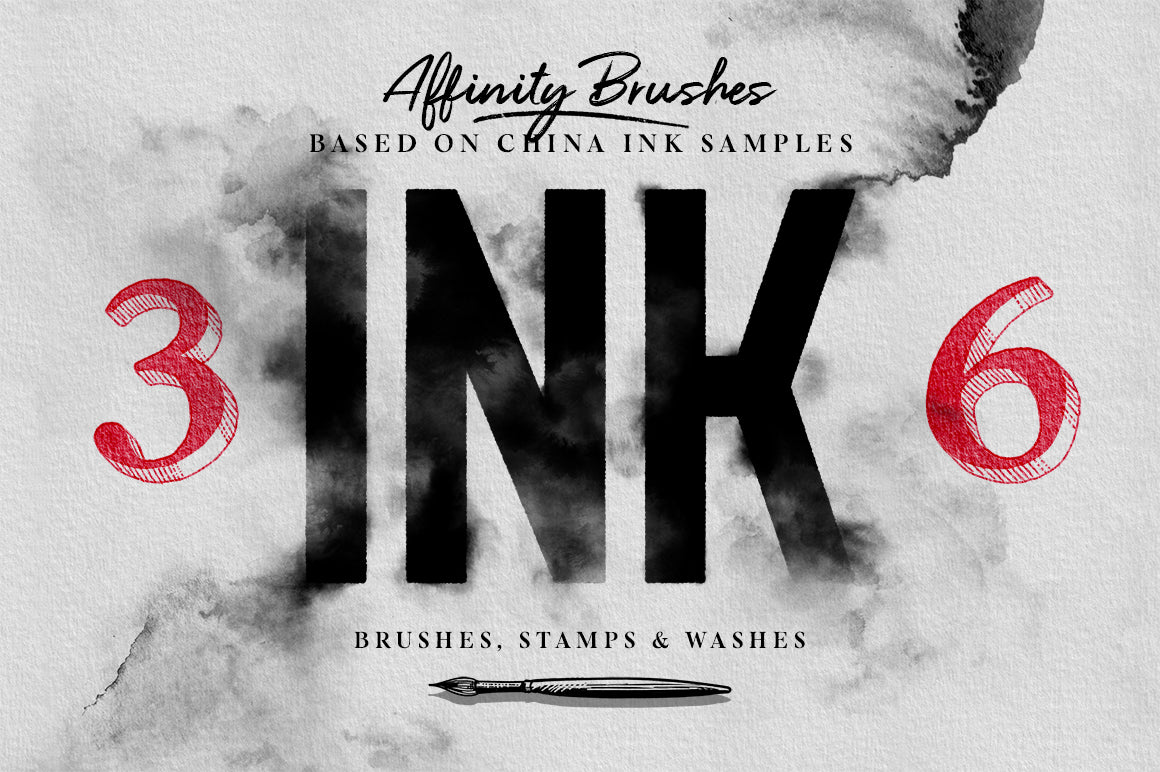
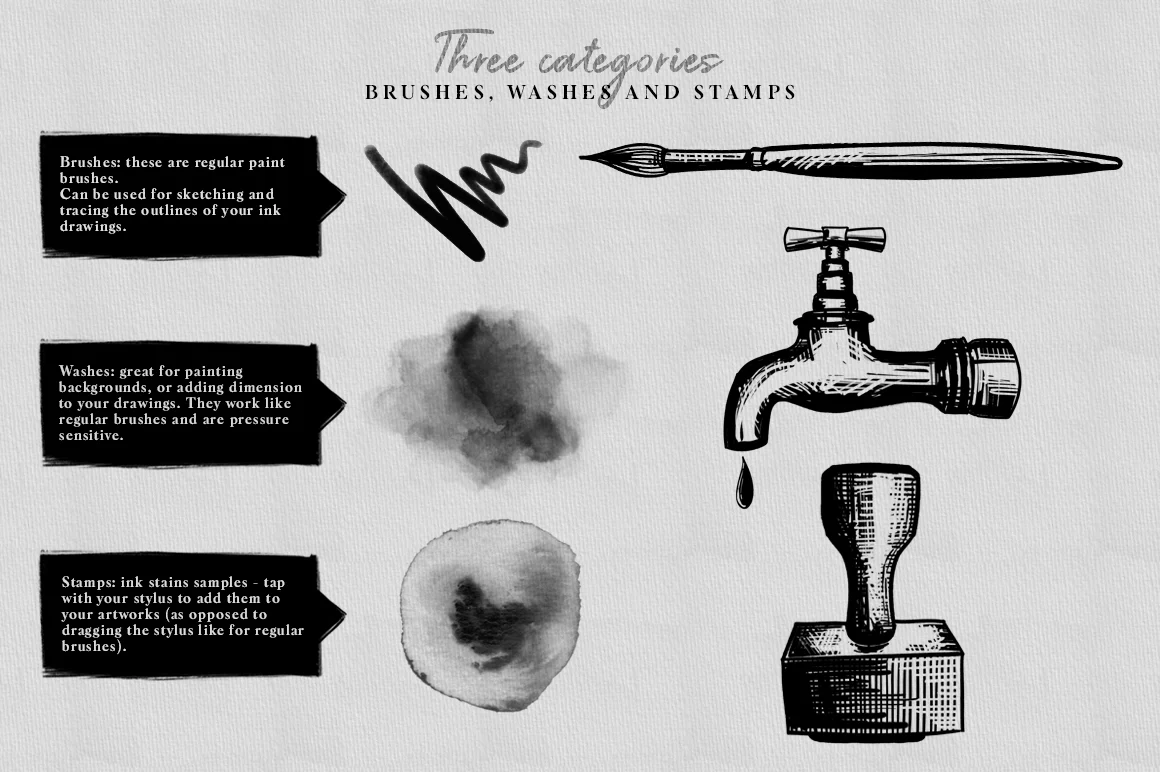
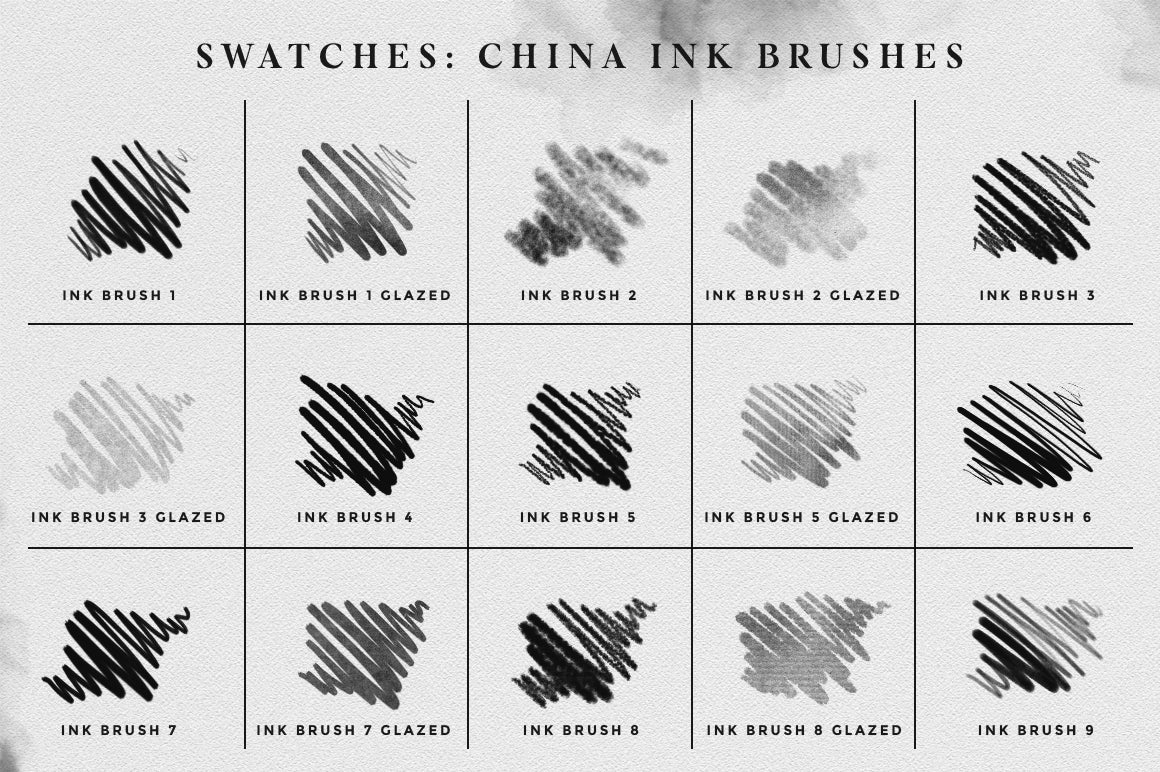
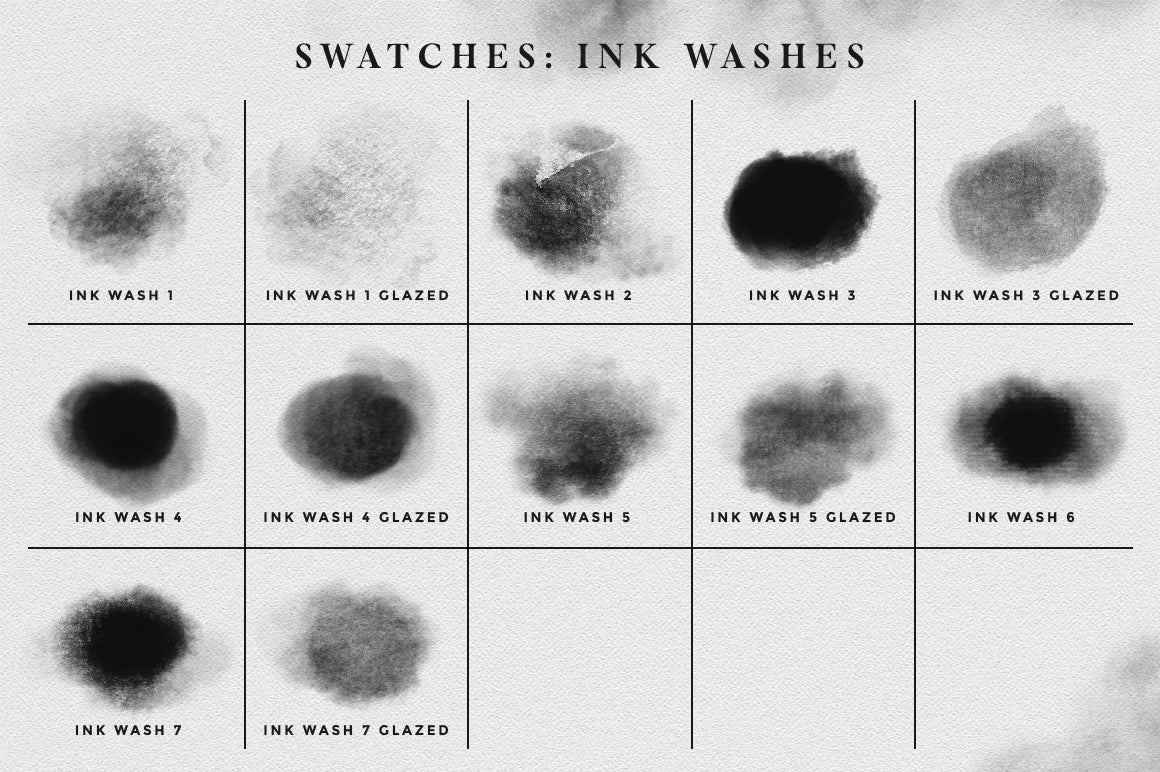
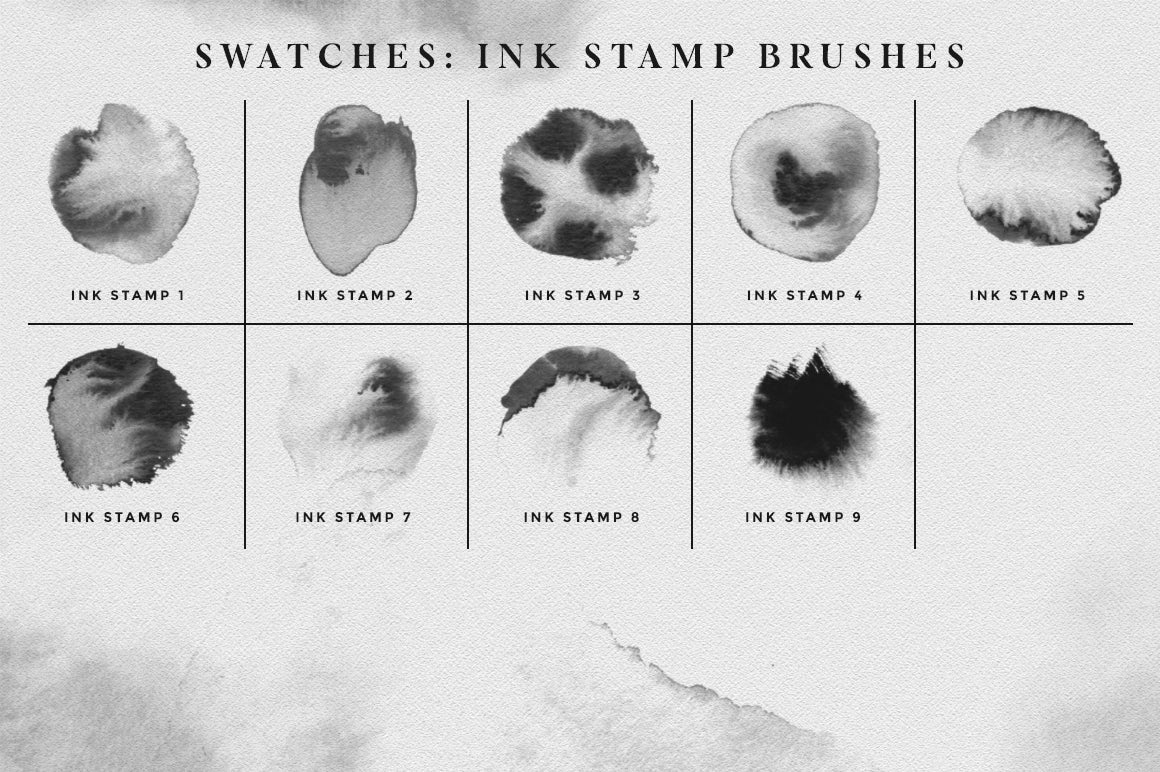
The set includes a total of 36 brushes and is divided into 3 different categories: regular brushes (for ink sketches and illustrations), ink washes, and ink stains stamps. (See swatches pictures for a preview of all the brushes included).
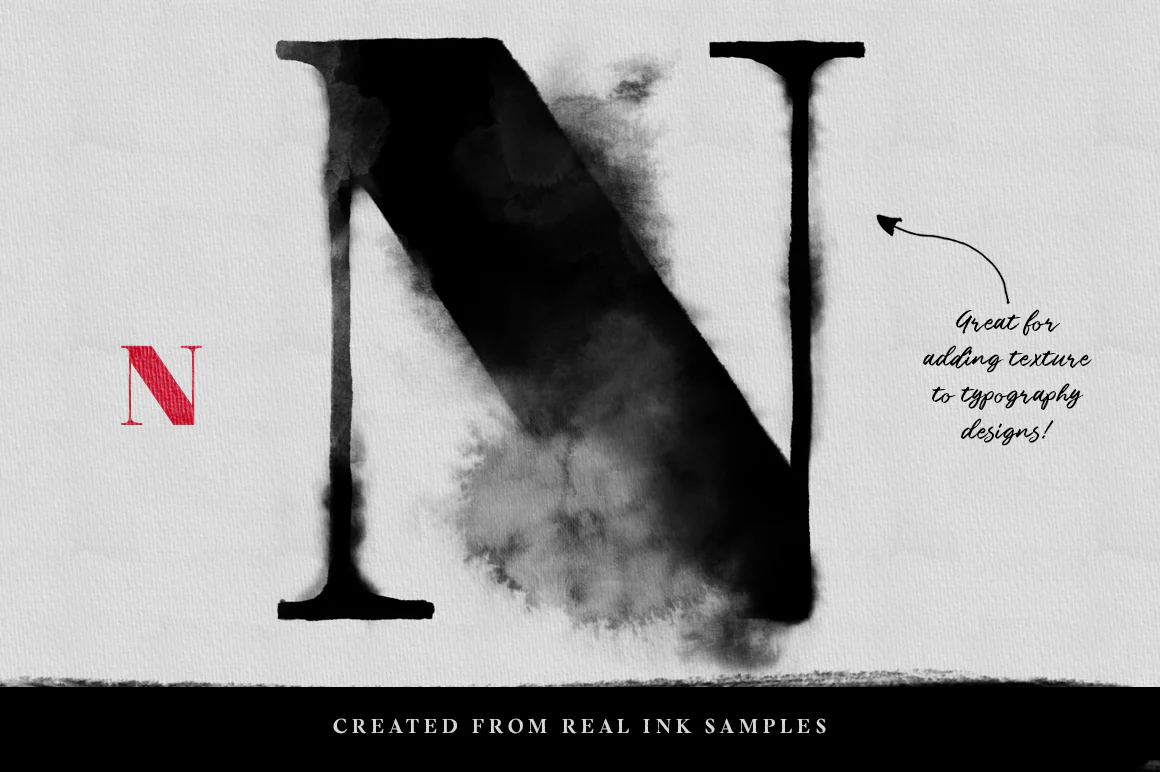
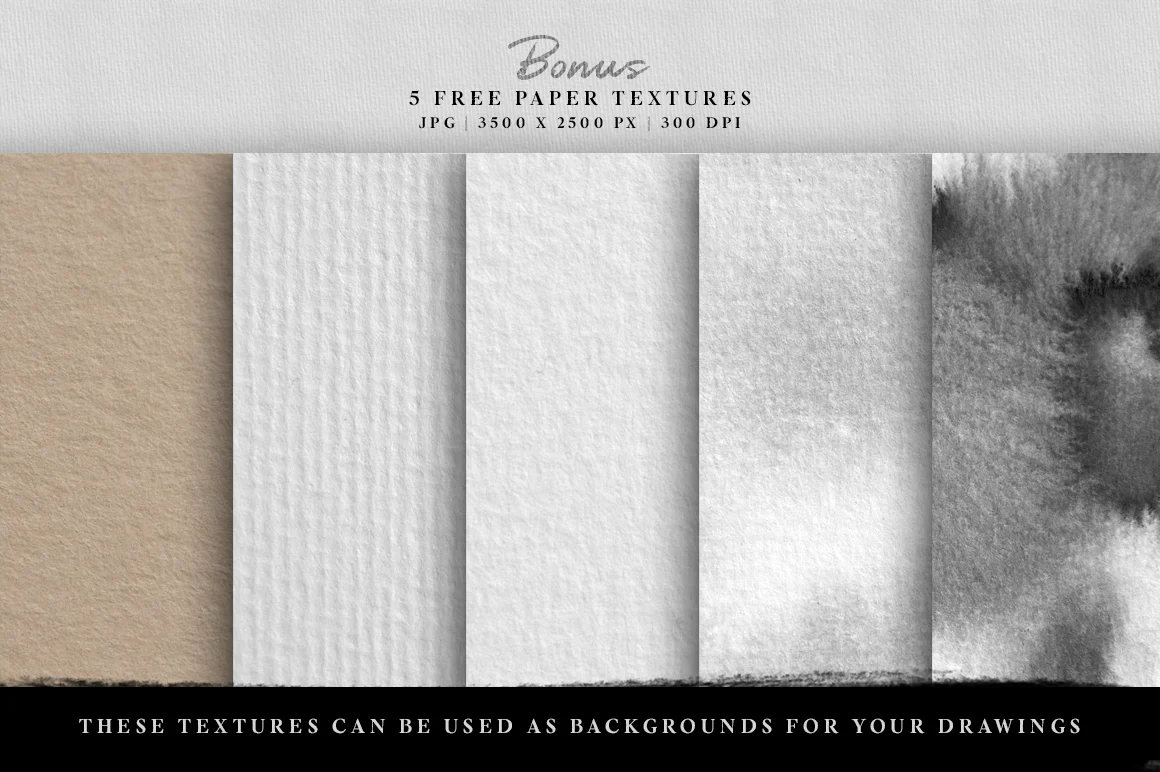
All these brushes were created from real China ink samples, that have been scanned and transformed into brushes, for a more realistic result. I've also added 5 paper textures as a bonus, that you can add as background for your artworks :)
How to install the brushes:
• Open the Brushes panel in Affinity (View > Studio > Brushes)
• Click on the options button at the top right of the panel, select "Import brushes"
• Locate the brush file (.afbrushes format), select it, and click Open - the set is now added to your collection.
Description
PHOTOSHOP VERSION | PROCREATE VERSION
The set includes a total of 36 brushes and is divided into 3 different categories: regular brushes (for ink sketches and illustrations), ink washes, and ink stains stamps. (See swatches pictures for a preview of all the brushes included).
All these brushes were created from real China ink samples, that have been scanned and transformed into brushes, for a more realistic result. I've also added 5 paper textures as a bonus, that you can add as background for your artworks :)
How to install the brushes:
• Open the Brushes panel in Affinity (View > Studio > Brushes)
• Click on the options button at the top right of the panel, select "Import brushes"
• Locate the brush file (.afbrushes format), select it, and click Open - the set is now added to your collection.